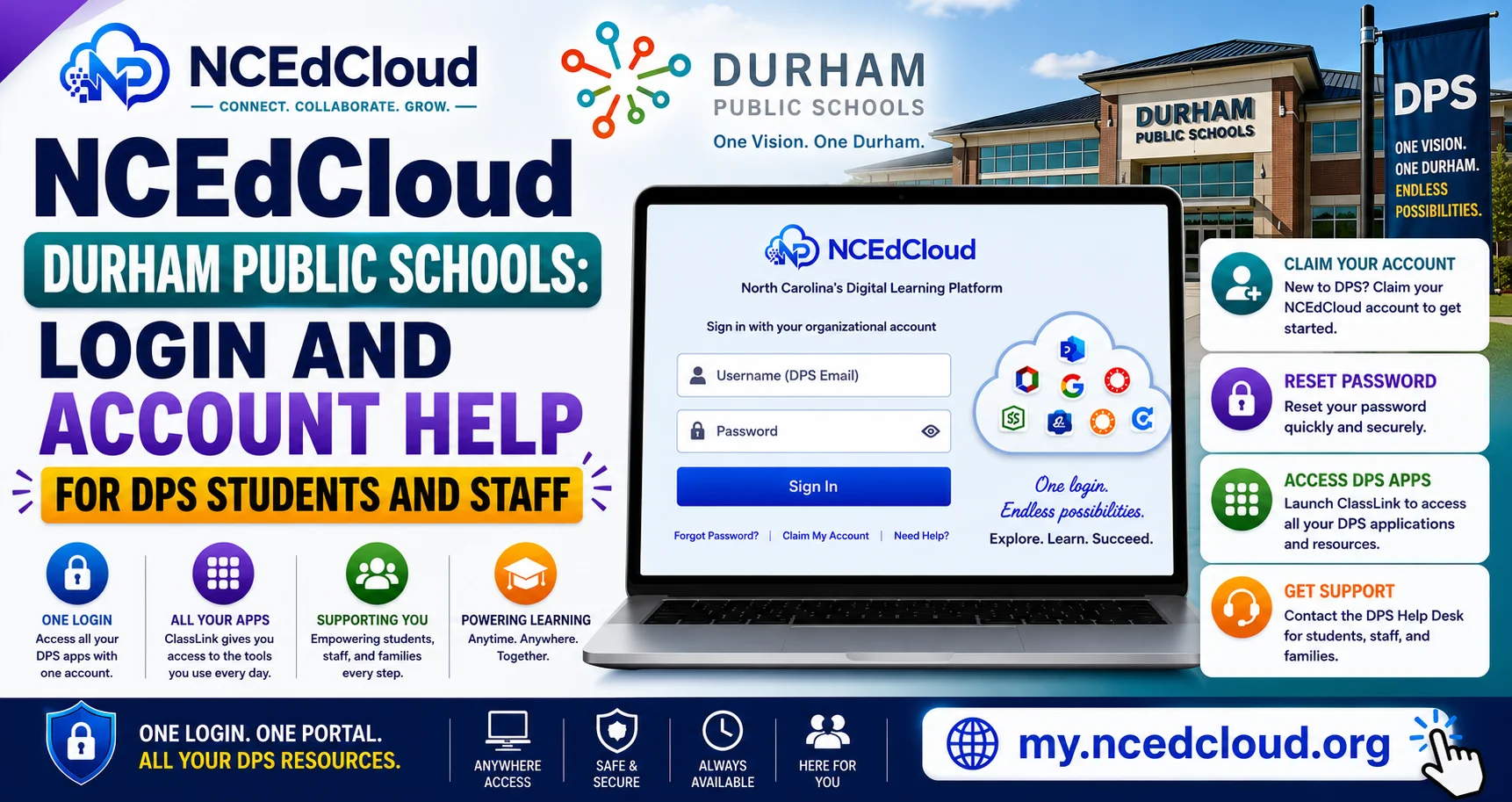
NCEdCloud Durham Public Schools — Login and Account Help for DPS Students and Staff
NCEdCloud in Durham Public Schools
NCEdCloud Durham Public Schools (DPS) serves approximately 33,000 students across Durham County. DPS uses NCEdCloud as its identity and single sign-on platform, providing students and staff access to educational applications through one login. Durham Public Schools’ LEA code in NCEdCloud is 320, per official NCDPI records. See our NCEdCloud Districts guide for how codes work statewide.
NCDPI’s RapidIdentity platform provisions DPS accounts through data sync from the district’s PowerSchool SIS and Home Base. The most important thing to know is that DPS students and staff follow the same account claiming and password reset procedures as all NC public schools. The login portal is my.ncedcloud.org for every NC district. Read our complete NCEdCloud Login Guide for more details.
DPS Student Account Claiming
New DPS students claim their NCEdCloud account using their Username (State UID/student ID number) and date of birth. See our full Claim My Account guide for the complete process. The student ID is found on enrollment confirmation documents, the PowerSchool parent portal, or at the school office. Wait 24 to 48 business hours after enrollment before attempting to claim. PK-5 students typically use QR badge login rather than self-service claiming.
DPS Applications Through NCEdCloud
| Application | User Type |
| Canvas | Students and teachers |
| PowerSchool | Students, parents, staff |
| Google Workspace | Students and staff |
| Discovery Education | Students and teachers |
| SchoolNet | Teachers and administrators |
Read More About → NCEdCloud Winston-Salem Forsyth County Schools Login
DPS NCEdCloud Help Desk and Support
- Elementary students: classroom teacher or school office
- Middle and high school students: school technology coordinator or media specialist
- Staff: school technology facilitator or DPS district IT help desk
- Administrators: DPS Technology Services. See our LEA Administrator guide for role scope
Frequently Asked Questions
What is Durham Public Schools’ NCEdCloud login URL?
DPS uses the standard statewide login page at my.ncedcloud.org. All NC public school districts use this same address.
My DPS student cannot claim their account. What is wrong?
The most common cause is that the enrollment has not fully synced from PowerSchool to NCEdCloud yet. Wait 48 business hours after enrollment confirmation, then try claiming again. If the problem persists, ask the school office to verify the enrollment in PowerSchool and contact DPS IT.
A DPS staff member left the district. What happens to their NCEdCloud account?
The LEA Administrator or LEA Help Desk should disable the account on or before the employee’s last day. The account data is preserved, but login access is blocked. Provisioning rules will deprovision the account automatically once the Home Base record is updated to show the employee as inactive.
Why are DPS app tiles different at some schools than others?
Application provisioning in DPS can vary by school, grade level, or instructional program. Some schools have piloted specific platforms that others do not use. If a tile is missing, contact your school’s technology coordinator.
Do DPS students keep their NCEdCloud accounts over the summer?
Summer access depends on the DPS policy for the specific school year. Students enrolled in DPS summer programs typically retain access. Contact your school or DPS IT about summer account status if you need access outside the regular school year.
Disclaimer Note: NCEdCloud, RapidIdentity, and Identity Automation are trademarks of their respective owners. NCEdCloudPro.com is not affiliated with or endorsed by NCDPI, NCEdCloud, MCNC, or Identity Automation. Read our full disclaimer.