NCEdCloud Cabarrus County Schools — Login and Account Help for CCS Students and Staff
NCEdCloud in Cabarrus County Schools
NCEdCloud Cabarrus County Schools serves approximately 34,000 students in Cabarrus County, including the Concord and Kannapolis areas. Cabarrus County Schools uses NCEdCloud as its identity and single sign-on platform. The district’s LEA code in NCEdCloud is 130, per official NCDPI records. NCDPI’s RapidIdentity platform manages account provisioning through data syncs from the district’s SIS and Home Base HR system.
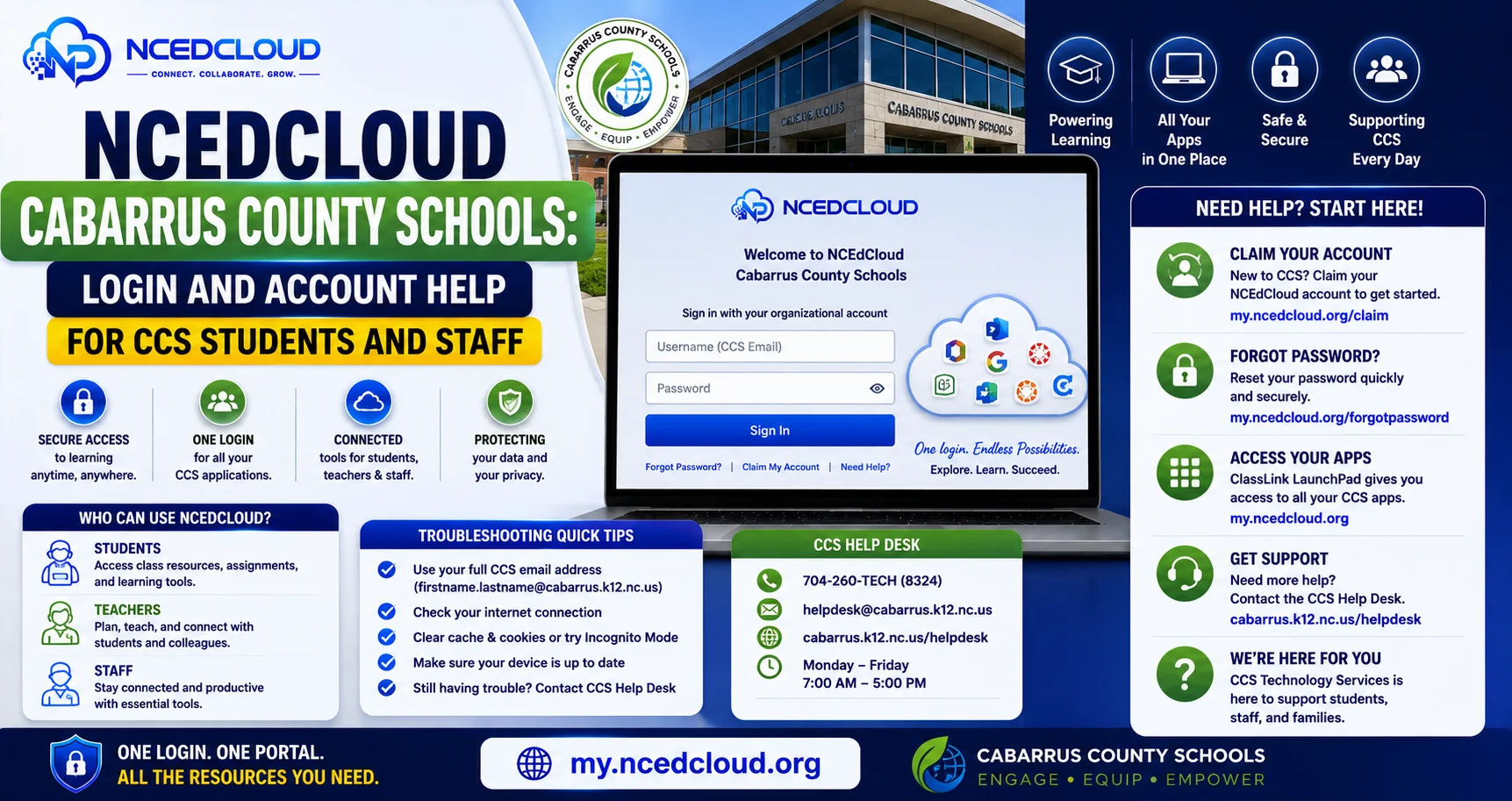
The most important thing to know is that Cabarrus County students and staff access NCEdCloud through my.ncedcloud.org, the same statewide portal used across North Carolina’s 115 traditional LEAs plus charter schools, which are administered as their own separate LEAs. See our full NCEdCloud Districts guide for how this works.
NCEdCloud Cabarrus County Student Account Claiming
New students in Cabarrus County Schools claim their NCEdCloud account using their Username (State UID/student ID number) and date of birth. See our full Claim My Account guide for the complete process. The student ID is found on enrollment confirmation documents or through the school office.
Allow 24 to 48 business hours after enrollment processing before attempting to claim. Elementary students in PK-5 use QR badge login managed by teachers rather than self-service claiming.
CCS Applications Through NCEdCloud
| Application | User Type |
| Canvas | Students and teachers |
| PowerSchool | Students, parents, staff |
| Google Workspace | Students and staff |
| Discovery Education | Students and teachers |
| SchoolNet | Teachers and administrators |
Learn More About → NCEdCloud Charlotte-Mecklenburg Schools Login
CCS NCEdCloud Help Desk and Support
- Students: classroom teacher, school media specialist, or front office
- Staff: school technology facilitator or Cabarrus County Schools Technology Services
- Administrators: CCS district technology coordinator. See our LEA Administrator guide for role scope
Frequently Asked Questions
What is Cabarrus County Schools’ NCEdCloud login URL?
Cabarrus County Schools uses my.ncedcloud.org, the statewide NCEdCloud portal shared by all NC public schools. Read our complete NCEdCloud Login guide for more.
I enrolled my child in CCS, but the NCEdCloud account is not ready yet. What should I do?
Confirm with the school office that the enrollment record has been entered in PowerSchool. Wait the full 24 to 48 business hours after confirmation. If the account is still unavailable after 48 hours, ask the school office to contact Cabarrus County Schools IT to check the data sync.
A CCS staff member needs to access NCEdCloud from home. Is there anything different?
No. NCEdCloud access works the same from any location, school network, or home internet. Log in to my.ncedcloud.org with your standard credentials. As of July 1, 2026, MFA is mandatory statewide for all staff. See our MFA Setup guide.
Why does my Cabarrus County student see a blank dashboard after logging in?
A blank or nearly empty dashboard typically means the account is newly claimed and tile provisioning has not completed. Log out, wait 24 hours, and log back in. If tiles are still missing, contact the school’s technology coordinator.
Can Cabarrus County parents access student grades through NCEdCloud?
Parent access to PowerSchool depends on whether CCS has linked parent accounts to NCEdCloud. Many districts direct parents to a separate PowerSchool parent portal URL rather than through NCEdCloud SSO. Contact your child’s school for the correct parent portal access method.
Disclaimer Note: NCEdCloud, RapidIdentity, and Identity Automation are trademarks of their respective owners. NCEdCloudPro.com is not affiliated with or endorsed by NCDPI, NCEdCloud, MCNC, or Identity Automation. Read our full disclaimer.