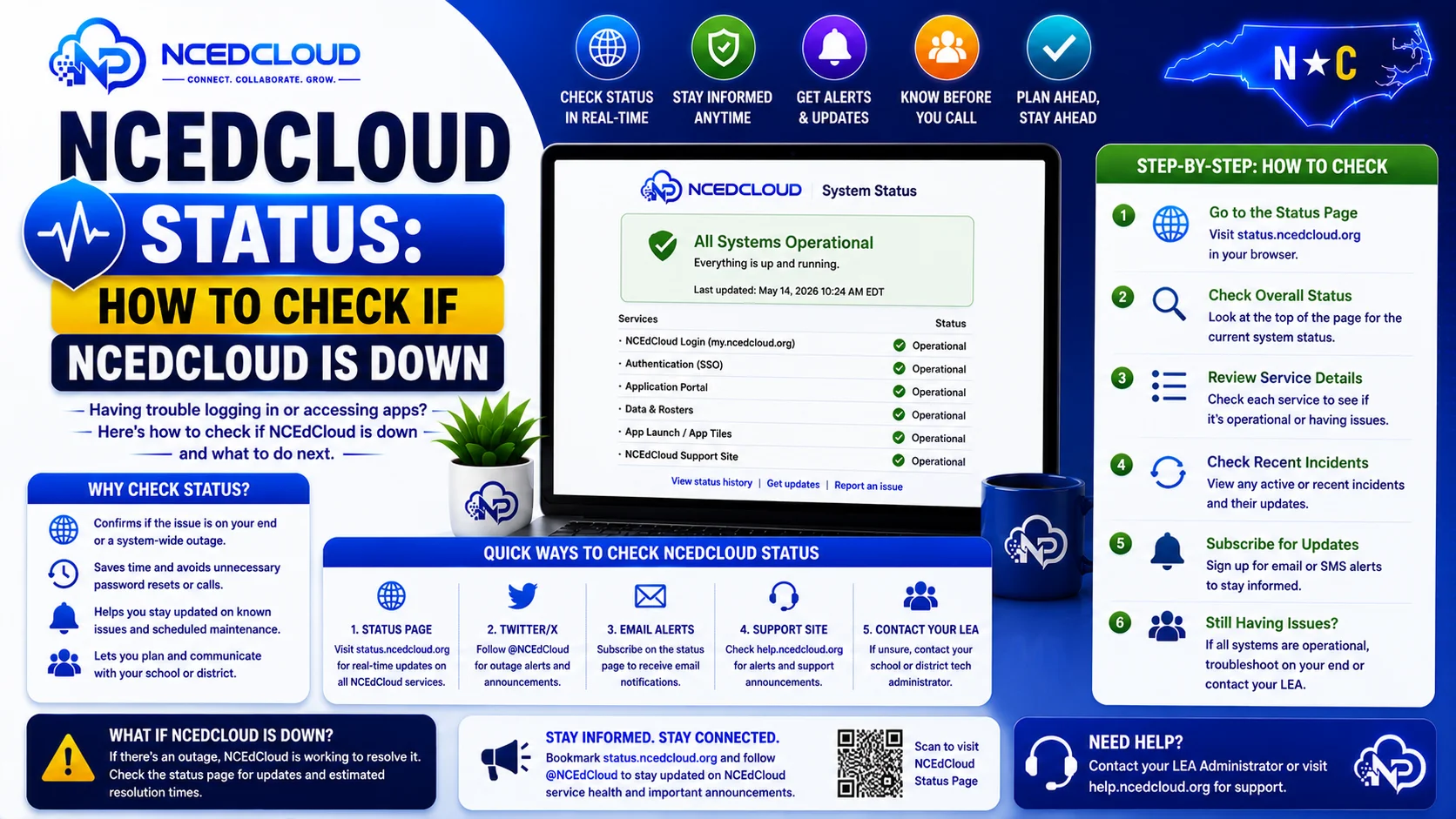
NCEdCloud Status — How to Check if NCEdCloud is Down
How to Tell if NCEdCloud is Down?
NCEdCloud is a statewide platform operated by NCDPI’s RapidIdentity infrastructure, serving roughly 2.5 million student and staff accounts across more than 300 North Carolina LEAs, including charter schools. When you cannot log in, the first question to answer is whether NCEdCloud is down for everyone or whether the problem is specific to your account or device.
RapidIdentity has very high uptime, and a platform outage does not cause the vast majority of individual login failures. They are caused by browser issues, account problems, or network issues on the user’s end.
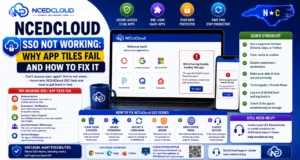
The most important thing to know is that if you can load my.ncedcloud.org but cannot log in, the platform is up and the issue is specific to your account. See our full Not Working troubleshooting guide for the complete diagnostic process beyond just outage checks.
Quick Way to Determine if NCEdCloud is Down
(You vs. Everyone)
- Try loading my.ncedcloud.org. If the page loads and shows the login form, the platform is up.
- Ask a colleague or student nearby to try loading my.ncedcloud.org. If they can reach the login page, the platform is up.
- Try your phone’s cellular data connection instead of the school Wi-Fi. If it loads on cellular but not on Wi-Fi, the school network is the issue, not NCEdCloud.
- Try from a completely different location (home or coffee shop). If it loads there but not at school, the school network is blocking or filtering the connection.
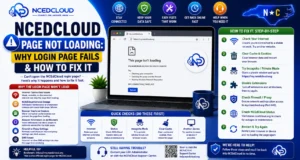
Learn More About → NCEdCloud Page Not Loading Fix
Signs That Point to a Real Platform Outage
| Sign | What it Suggests |
| Multiple users at multiple schools cannot load the page | Likely a platform outage |
| The login page loads, but no one across the district can log in | Possible authentication server issue |
| NCEdCloud app tiles work, but the platform itself is unreachable | Possible DNS or network routing issue |
| Error occurs immediately on a fresh device with no cache | Server-side issue rather than local |
| District IT confirmed the issue is not local | Escalate to NCDPI |
Complete Guide About → NCEdCloud Error Messages
What to Do if NCEdCloud is Actually Down
- Confirm with your LEA Administrator or IT director that the issue is confirmed statewide or district-wide.
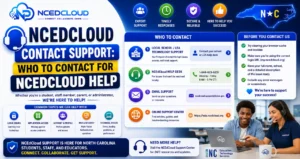
- The LEA Administrator should contact NCDPI’s K-12 technology support team to report the outage. See our full Contact Support guide for the correct escalation path.
- NCDPI will investigate and communicate the estimated resolution time to LEA contacts.
- In the meantime, work offline or use direct application URLs if applications have their own login (some do).
- Monitor for communications from your district IT department about restoration.
Most Common Causes of NCEdCloud Appearing Down
The platform appears down to individual users far more often than it actually goes down. These are the top causes in order of frequency:
- Browser cache conflict — fix: clear cookies and navigate directly to my.ncedcloud.org. Read our complete Cache Fix guide
- School network content filter blocking the page — fix: contact school IT
- Wrong URL or stale bookmark — fix: type my.ncedcloud.org directly
- Device-level DNS failure — fix: restart the device and the router
- Actual platform maintenance window — NCDPI typically announces scheduled maintenance in advance
Frequently Asked Questions
Is there an official NCEdCloud status page?
There is no public-facing real-time status dashboard for NCEdCloud accessible to general users. System status is communicated by NCDPI through the NC public schools technology portal and directly to LEA Administrators. If you need to check the status, contact your district IT coordinator, who has a direct line to NCDPI.
NCEdCloud worked this morning and stopped after lunch. Does that mean it went down?
Sudden mid-day failures for a single user rarely indicate a platform outage. The most likely causes are an expired session cookie, a browser update, or a network change at the school. Clear your cache and try again. If the entire school is affected, contact your IT coordinator.
How long do NCEdCloud outages typically last?
Planned maintenance windows are typically brief, under an hour, and are scheduled outside peak school hours. Unplanned outages are rare, and NCDPI prioritizes rapid resolution given the scale of users affected. Contact your LEA Administrator for updates during an outage.
Does NCEdCloud have scheduled maintenance windows?
Yes. NCDPI coordinates scheduled maintenance with LEA Administrators. Maintenance is typically announced in advance through the NC public schools’ technology communication channels. LEA Administrators are responsible for communicating maintenance windows to school IT staff.
Can students still access their apps if NCEdCloud is down?
Some applications have their own direct login URLs that bypass NCEdCloud. During an NCEdCloud outage, students and staff may be able to access these applications directly if they have a separate application password or if the application supports identity federation with an alternative provider. Contact your IT coordinator for application-specific fallback procedures during outages.
Disclaimer Note: NCEdCloud, RapidIdentity, and Identity Automation are trademarks of their respective owners. NCEdCloudPro.com is not affiliated with or endorsed by NCDPI, NCEdCloud, MCNC, or Identity Automation. Read our full disclaimer.