NCEdCloud Error Messages — Complete Guide to Every Error
NCEdCloud Error Messages Reference
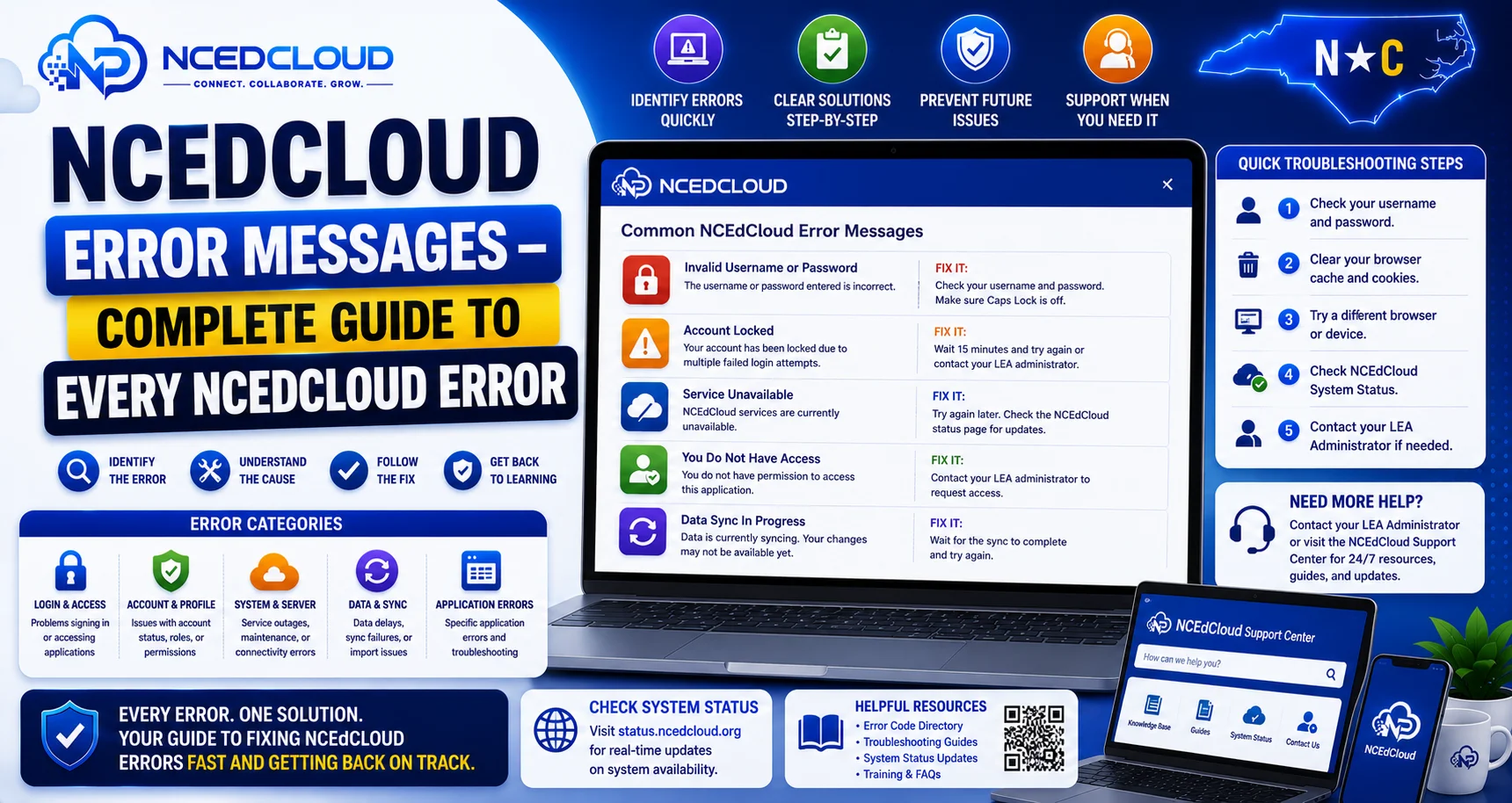
This guide covers every common NCEdCloud error message, what each one means, and what to do to fix these errors. RapidIdentity generates these errors across the login flow, SSO handoff, and account management screens. See our full Not Working troubleshooting guide for a complete diagnostic approach if your specific error isn’t listed here.
The most important thing to know is that each error points to a specific cause. Matching the exact message you see to the table below will tell you exactly what to do next. You can also check this Early Educator Support document for more details.
Login Page Error Messages
| Error Message | What it Means | What to Do |
| Invalid Credentials | Username or password is wrong, or the account is locked | Try Forgot Password; wait 30 min if locked |
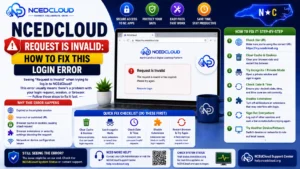
| Request is Invalid | Session cookie is stale, or the login URL is malformed | Clear cache, navigate directly to my.ncedcloud.org |
| Your account has been locked | Too many failed login attempts | Wait 15-30 min or contact the help desk |
| Account temporarily suspended | Account locked or disabled by admin | Contact the LEA help desk |
| Your password has expired | 90-day staff password expiry reached | Log in and complete the forced password change |
| You must change your password | Admin-initiated change required | Create a new password on the prompt screen |
| MFA required | MFA enrollment is required before login continues | Enroll in TOTP or WebAuthn from the prompt |
Complete Guide About → NCEdCloud MFA Setup
Account Claiming Error Messages
| Error Message | What it Means | What to Do |
| Username not found | Student ID or employee ID not recognized | Verify ID with the school office; wait 48 hrs if new |
| Date of birth does not match | DOB entered does not match the SIS record | Confirm the exact DOB with the school registrar |
| Account already claimed | Claiming was already completed for this account | Use Forgot Password to recover access |
| No account found for this ID | Account not yet provisioned from the source system | Wait 24-48 hours and try again |
SSO and Application Error Messages
| Error Message | What it Means | What to Do |
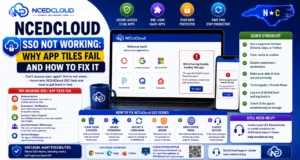
| The target application encountered an error | SSO handoff to the destination app failed | Try clearing cache; if persistent, contact LEA admin |
| SAML authentication failed | Application rejected the NCEdCloud SAML assertion | LEA Administrator needs to check the SSO configuration |
| Unable to sign in to application | App-level authentication error | Try incognito; contact the help desk if persistent |
| User not found in application | No matching account in the application | Contact IT to verify account provisioning in the app |
| Access denied | Your role does not have permission for this app | Contact IT to verify role assignment |
| Session expired | Your NCEdCloud session timed out | Log back in to NCEdCloud and relaunch the app tile |
Learn More About → NCEdCloud Cache Fix
Password and Account Management Errors
| Error Message | What it Means | What to Do |
| Password does not meet complexity requirements | New password fails one of the rules | Check: 8-16 chars, uppercase, lowercase, number |
| The password has been used previously | New password matches a previous password | Choose a password not used in the last 5-10 cycles |
| Challenge question answers do not match | Answers entered differ from what was set at claiming | Try the exact original capitalization; contact the help desk if still failing |
| Your account is not active | Account has been disabled | Contact LEA Administrator |
| Too many failed attempts | Lockout threshold reached on challenge questions | Contact the help desk for an admin reset |
Browser and Network Error Messages
| Error Message | What it Means | What to Do |
| This site can’t be reached | DNS or network connectivity failure | Check the internet; try a different network |
| Your connection is not private | SSL certificate issue or network intercept | Do not log in; contact IT |
| ERR_CONNECTION_REFUSED | Server not responding on that port | Check URL is correct; try again; contact IT if persistent |
| DNS_PROBE_FINISHED_NXDOMAIN | DNS cannot resolve my.ncedcloud.org | Restart router; try alternate DNS |
Frequently Asked Questions
Why does NCEdCloud show “Invalid Credentials” even when I know my password is right?
Common causes when you are certain the password is correct: the account is locked from prior failed attempts, the password has expired, or Caps Lock is on. Try Forgot Password to reset, then contact the help desk if the error continues. Read our Invalid Credentials guide for more.
What does “The Request is Invalid” mean on NCEdCloud?
It means the login request could not be processed because of a stale session cookie. Clear your browser cookies and navigate directly to my.ncedcloud.org to resolve it. Learn more in The Request is Invalid guide.
I see “Account already claimed,” but I cannot log in. What do I do?
Your account was claimed, but you have forgotten your password or username. Use the Forgot Password link on the login page. If that fails, contact your school’s help desk for a password reset.
What is the difference between “Account locked” and “Account suspended”?
“Account locked” is a temporary state from too many failed login attempts. It typically lifts automatically after 15-30 minutes or after a help desk unlock. “Account suspended” or “Account not active” usually indicates an admin has disabled the account, which requires an LEA Administrator to re-enable. Learn more in the Account Locked guide.
NCEdCloud shows an error I do not see in this guide. What should I do?
Note the exact error message text, what you were doing when it appeared, and which browser and device you were using. Contact your LEA help desk with this information. They can escalate to NCDPI support if the error is platform-level.
Disclaimer Note: NCEdCloud, RapidIdentity, and Identity Automation are trademarks of their respective owners. NCEdCloudPro.com is not affiliated with or endorsed by NCDPI, NCEdCloud, MCNC, or Identity Automation. Read our full disclaimer.