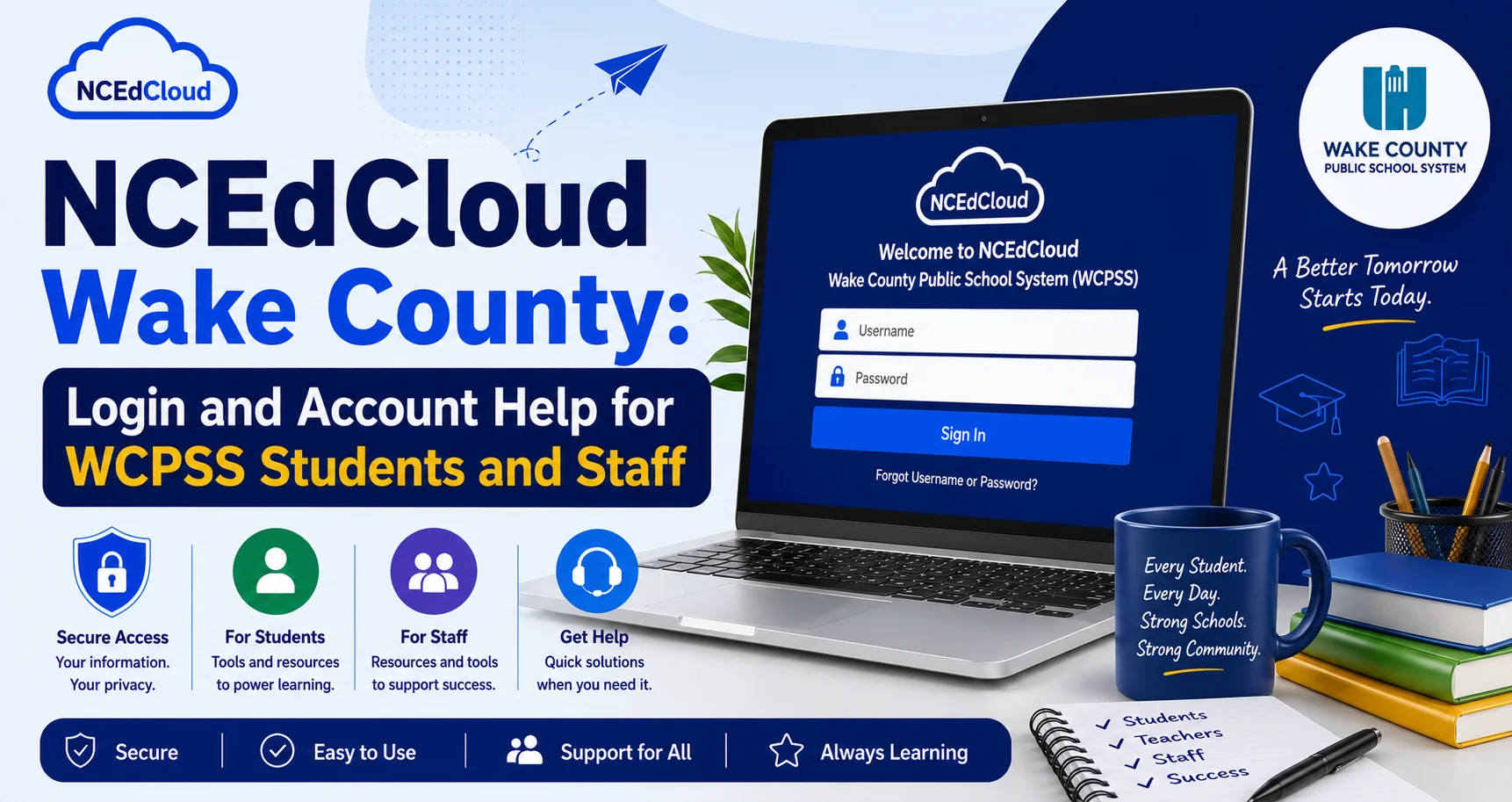
NCEdCloud Wake County — Login and Account Help for WCPSS Students and Staff
NCEdCloud in Wake County Public Schools
NCEdCloud Wake County Public School System (WCPSS) is North Carolina’s largest school district with over 160,000 students and approximately 25,000 staff members, one of more than 300 North Carolina LEAs and charter schools on the NCEdCloud platform. See our NCEdCloud Districts guide for how the platform works across every district statewide.
WCPSS uses NCEdCloud as its primary identity and single sign-on platform, connecting students and staff to applications including Canvas, PowerSchool, Google Workspace, Discovery Education, and SchoolNet. Wake County’s LEA code in NCEdCloud is commonly referenced as 920. Confirm the current value with NCDPI’s Education Directory before using it in any official capacity.
NCDPI’s RapidIdentity platform manages all Wake County accounts through a data sync from the district’s PowerSchool SIS and Home Base HR system. The most important thing to know is that WCPSS account management follows the same NCEdCloud procedures as all NC districts. The main differences are scale and which specific applications the district has licensed.
Wake County NCEdCloud Username Format
WCPSS students and staff are assigned usernames based on their name and a numeric suffix generated from the student or employee ID in PowerSchool. The format most commonly seen in Wake County is:
- Students: firstname.lastname followed by a numeric suffix (e.g., jordan.smith1234)
- Staff: firstname.lastname (e.g., taylor.jones)
Some accounts, particularly older ones or those with name changes, may have different formats. If you are unsure of your username, contact your school’s technology coordinator or front office.
Read More About → NCEdCloud Cabarrus County Schools Login
Wake County Student Account Claiming
New students in WCPSS claim their NCEdCloud account using their Username (State UID/student ID number) and date of birth, following the same process as every NC district. See our full Claim My Account guide for the complete walkthrough. The student ID appears on:
- The student’s official schedule or enrollment letter
- The PowerSchool parent portal
- The school ID card (for middle and high school students)
- The school’s front office records
New students should wait 24 to 48 hours after enrollment confirmation before attempting to claim. Elementary students in grades PK-5 use QR badge login managed by classroom teachers rather than self-service account claiming.
Applications Available to WCPSS Students and Staff Through NCEdCloud
| Application | User Type | Description |
| Canvas | Students and teachers | Learning management system |
| PowerSchool | Students, staff, parents | Student information and grades |
| Google Workspace | Students and staff | Gmail, Drive, Classroom |
| Discovery Education | Students and teachers | Digital content library |
| SchoolNet | Teachers and administrators | Assessment platform |
| Amplify | Select schools | Reading and ELA curriculum |
| HMH Ed | Select grade levels | Digital textbooks |
Application availability varies by school, grade level, and role assignment. See our full NCEdCloud Applications guide for how tile provisioning works. Contact your school’s instructional technology coordinator if an expected app is missing from your dashboard.
Wake County Help Desk and Support
For NCEdCloud issues in WCPSS, contact:
- Elementary students: classroom teacher or school media center.
- Middle and high school students: school technology facilitator or media specialist.
- Staff: school technology facilitator or the WCPSS Technology Services help desk.
- Administrators: WCPSS district technology coordinator. See our LEA Administrator guide for what this role can do.
Frequently Asked Questions
What is Wake County’s NCEdCloud login URL?
All WCPSS students and staff log in through the standard NCEdCloud portal at my.ncedcloud.org. Some WCPSS communications provide a district-specific link that redirects to the same address. Read our complete NCEdCloud Login Guide for more details.
My Wake County student forgot their NCEdCloud password. What do I do?
For middle and high school students who set up challenge questions: use the Forgot Password link at my.ncedcloud.org. For elementary students or those without challenge questions: contact the school’s media specialist or front office. They can reset the password through the admin console.
Why does my Wake County NCEdCloud dashboard show different apps than my child’s teacher?
Application tiles are assigned based on role. A student and a teacher in the same school will see different tiles. Students see learning apps while teachers also see instructional management tools. Contact your school’s technology coordinator if you believe a specific tile is missing from your account.
Our new student enrolled in WCPSS two days ago, but still cannot claim their NCEdCloud account. Who do we contact?
Contact the school’s front office and confirm that the enrollment was fully processed in PowerSchool. If enrollment is confirmed but the account is still unavailable after 48 business hours, ask the office to contact the WCPSS Technology Services help desk to check the data sync status.
Does Wake County use NCEdCloud for summer school access?
WCPSS summer school students typically retain NCEdCloud access during the summer session if they are enrolled in a WCPSS summer program. Access policies may differ from the regular school year. Confirm with your summer school program coordinator if you are unsure about access.
Disclaimer Note: NCEdCloud, RapidIdentity, and Identity Automation are trademarks of their respective owners. NCEdCloudPro.com is not affiliated with or endorsed by NCDPI, NCEdCloud, MCNC, or Identity Automation. Read our full disclaimer.