
NCEdCloud Districts Guide for North Carolina Schools
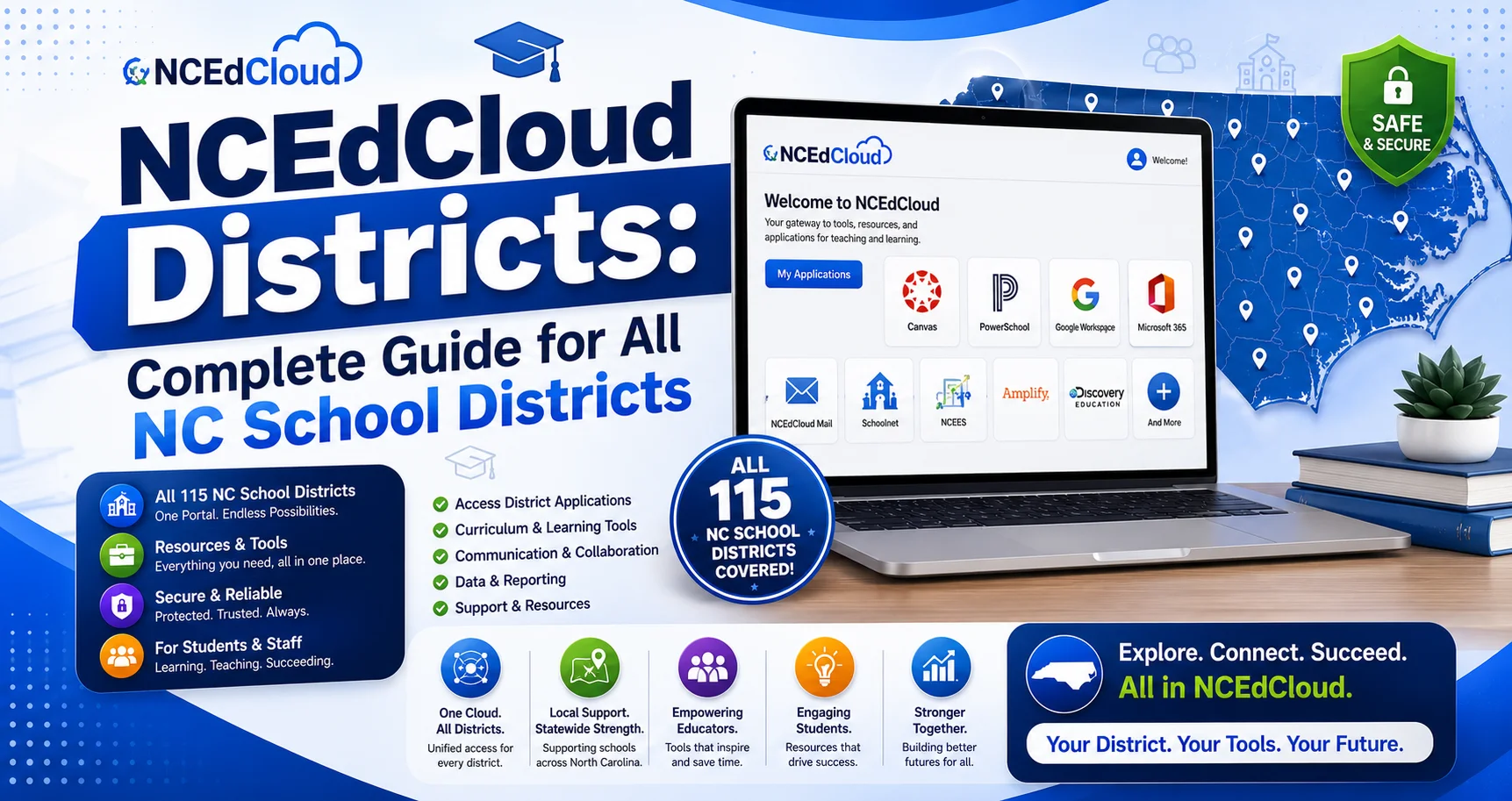
NCEdCloud serves North Carolina’s 115 traditional local education agencies (LEAs) through one shared platform at my.ncedcloud.org. Charter schools also participate, each operating as its own separately chartered LEA in addition to the 115 traditional districts. Every district and charter school uses the same login URL, but each LEA manages its own user provisioning, app integrations, username formats, and help desk contacts. This guide explains how NCEdCloud works across districts, an LEA code reference table, and specific details for several of the state’s largest districts.
How NCEdCloud Works Across Districts?
Every North Carolina LEA connects to NCEdCloud through the same identity provider at idp.ncedcloud.org, and the NCEdCloud login portal at my.ncedcloud.org is shared statewide. What differs by district:
- Username format: each LEA configures its own username structure.
- App integrations: districts license and integrate different educational tools.
- MFA enforcement: mandatory statewide for all employees as of July 1, 2026.
- Help desk contacts: each LEA has its own help desk and LEA Administrator.
- Password defaults for students: districts set their own temporary password formats.
Accounts are provisioned through nightly roster syncs. Students sync from PowerSchool. Staff sync from Home Base, the state’s HR management system. Both syncs run overnight, so new accounts are typically available the next school day after enrollment.
When you have a login problem, your first contact is always your school’s help desk, not a statewide support line. Each LEA manages its own support tier.
LEA Code Reference Table
Each North Carolina LEA has a three-digit code assigned by NCDPI. These codes appear in NCEdCloud system data and are sometimes used in username formats. The codes below were cross-checked against NCDPI’s county numbering conventions; always confirm your exact code with your school, since districts occasionally reassign or clarify codes.
District | LEA Code | Type |
Wake County Public School System | 920 | Traditional |
Charlotte-Mecklenburg Schools | 600 | Traditional |
Guilford County Schools | 410 | Traditional |
Durham Public Schools | 320 | Traditional |
Winston-Salem/Forsyth County Schools | 340 | Traditional |
Cumberland County Schools | 260 | Traditional |
Union County Public Schools | 900 | Traditional |
Cabarrus County Schools | 130 | Traditional |
Onslow County Schools | 670 | Traditional |
Gaston County Schools | 360 | Traditional |
New Hanover County Schools | 650 | Traditional |
Johnston County Schools | 510 | Traditional |
Buncombe County Schools | 110 | Traditional |
Rowan-Salisbury Schools | 800 | Traditional |
NCDPI maintains the full LEA code listing for all 115 districts and their charter schools at docs.ncedcloud.org.
Finding Your District's Official LEA Code
Each North Carolina LEA has a numeric code assigned by NCDPI, used in state data systems and some username formats. Because these codes are assigned and maintained directly by NCDPI and can be updated, the most reliable way to confirm your district’s exact code is NCDPI’s own Education Directory, rather than a third-party list. We link to it below instead of republishing a numeric table, so you always see the current, authoritative figure.
Official lookup: NCDPI Education Directory, which includes the EDDIE system for district codes, phone numbers, and school addresses.
The largest North Carolina districts by enrollment, all connected to NCEdCloud, include:
District | Approx. Enrollment | Email Domain |
Wake County Public School System | 150,000+ | @wcpss.net |
Charlotte-Mecklenburg Schools | 140,000+ | @cms.k12.nc.us |
Guilford County Schools | ~70,000 | @gcsnc.com |
Winston-Salem/Forsyth County Schools | ~50,000 | @wsfcs.k12.nc.us |
Durham Public Schools | ~30,000 | @dpsnc.net |
This is not the full list. North Carolina has 115 traditional LEAs (100 county-based and 15 city-based systems) plus charter schools, which are administered as their own separate LEAs.
Wake County Public School System
- Login URL: my.ncedcloud.org (same for all districts)
- Student username format: typically firstname.lastname or a student-ID-based alias; check with your school
- District email domain: @wcpss.net, used for Google SSO
- Official LEA code: look up the current code at the NCDPI Education Directory
Wake County Public School System (WCPSS) is North Carolina’s largest school district, serving well over 150,000 students. All WCPSS students and staff use NCEdCloud at my.ncedcloud.org for single sign-on access. For WCPSS-specific help, contact your school’s front office or IT help desk, or see our full Wake County login guide for username formats and common issues.
New students should expect NCEdCloud access within 1-2 school days of enrollment in PowerSchool. A common issue is a mid-year transfer between schools. If you’ve transferred, contact your receiving school’s registrar to confirm your PowerSchool record is updated.
Charlotte-Mecklenburg Schools (CMS)
- Login URL: my.ncedcloud.org
- Student username format: district-assigned. Contact your school for the exact format
- District email domain: @cms.k12.nc.us
- Official LEA code: look up the current code at the NCDPI Education Directory
Charlotte-Mecklenburg Schools is North Carolina’s second-largest district, serving well over 140,000 students. CMS uses NCEdCloud for single sign-on to Canvas, PowerSchool, Google Workspace, and other tools. CMS students and staff should contact their school’s help desk for account issues. See our full Charlotte-Mecklenburg login guide for username formats and claiming steps. CMS Technology Services manages district-level NCEdCloud integrations and LEA Administrator functions.
Guilford County Schools
- Login URL: my.ncedcloud.org
- District email domain: @gcsnc.com
- Official LEA code: look up the current code at the NCDPI Education Directory
Guilford County Schools serves the Greensboro and High Point metro area, with roughly 70,000 students. NCEdCloud provides single sign-on access for all GCS students and staff. See our full Guilford County login guide for district-specific help desk contacts.
Durham Public Schools
- Login URL: my.ncedcloud.org
- District email domain: @dpsnc.net
- Official LEA code: look up the current code at the NCDPI Education Directory
Durham Public Schools serves roughly 30,000 students in the Research Triangle area. All DPS students and staff access NCEdCloud at the standard URL. See our full Durham Public Schools login guide for account claiming steps.
Winston-Salem/Forsyth County Schools
- Login URL: my.ncedcloud.org
- District email domain: @wsfcs.k12.nc.us
- Official LEA code: look up the current code at the NCDPI Education Directory
Winston-Salem/Forsyth County Schools serves roughly 50,000 students in the Triad region. The district uses NCEdCloud for single sign-on to all major educational platforms. See our full Winston-Salem/Forsyth login guide for password and account details.
More North Carolina Districts on NCEdCloud
Beyond the state’s largest districts, several other LEAs have dedicated login and account guides on this site: Cumberland County Schools, Union County Public Schools, Cabarrus County Schools, Onslow County Schools, and Gaston County Schools. Each guide covers that district’s username format, account claiming steps, and help desk contacts.
Charter Schools on NCEdCloud
North Carolina’s charter schools connect to NCEdCloud through the same NCDPI-managed platform as traditional districts, but each charter school (or charter network) is administered as its own separate LEA rather than falling under one of the 115 traditional LEAs. Charter students and staff use the same login URL, my.ncedcloud.org, and follow the same claiming and login process as traditional district users.
- Some smaller charter schools may have more limited app integrations than large traditional districts
- A charter school’s LEA Administrator is typically the school’s IT coordinator or a principal designee
- Charter schools that are part of a network may share a single LEA Administrator across campuses
If you attend a charter school and have an NCEdCloud access issue, contact your school’s main office or IT coordinator.
Frequently Asked Questions
Does every NC school district use NCEdCloud?
Yes. North Carolina’s 115 traditional local education agencies and its charter schools, which are their own separate LEAs, all use NCEdCloud as the statewide identity platform. Every user logs in at my.ncedcloud.org.
What is my district’s NCEdCloud username format?
Username formats vary by LEA. Common formats include firstname.lastname, a variant with a number added for duplicate names, or a student-ID-based alias. Contact your school or check your district’s enrollment materials for the exact format.
Why is my NCEdCloud login different from a classmate’s in another district?
Everyone uses the same login URL, but username formats, app sets, and password policies vary by LEA because each district configures NCEdCloud independently. Your district controls what appears on your dashboard.
What is an NCEdCloud LEA code?
An LEA code is a numeric identifier NCDPI assigns to each local education agency, used in state data systems and some username configurations. Look up your district’s current code at the NCDPI Education Directory rather than relying on a third-party list, since codes are maintained directly by the state.
How do I find my district’s NCEdCloud help desk?
Contact your school’s front office or IT department. Most districts route NCEdCloud requests through school IT staff, who escalate to the LEA Administrator when needed. There’s no statewide public support phone line; support is managed at the district level.
Do charter schools use NCEdCloud?
Yes. North Carolina’s charter schools connect to NCEdCloud as their own separate LEAs. Charter students and staff log in at my.ncedcloud.org using the same process as traditional district students.
What apps does my district have on NCEdCloud?
This varies by district. Log in at my.ncedcloud.org to see your assigned apps. Common ones include Canvas, PowerSchool, Google Workspace, and Discovery Education, but the specific set depends on your district’s licenses.
Can I log in to NCEdCloud if I transfer to a new district?
When you transfer, your old account is deactivated and a new account is created under your new district’s LEA. The new account becomes available after the nightly sync processes your enrollment in the new district’s PowerSchool. Contact your new school’s registrar if access is delayed.
Disclaimer
This page is part of NCEdCloudPro.com, an independent resource for North Carolina’s NCEdCloud platform. We are not affiliated with, endorsed by, or connected to the North Carolina Department of Public Instruction (NCDPI), official IAM Service, MCNC, or Identity Automation.
For account-specific issues, always contact your school or district Help Desk, or go directly to the official login at my.ncedcloud.org and read our full disclaimer written by Mark Albert.