my.ncedcloud.org — What This URL is and Where to Log in?
What is my.ncedcloud.org?
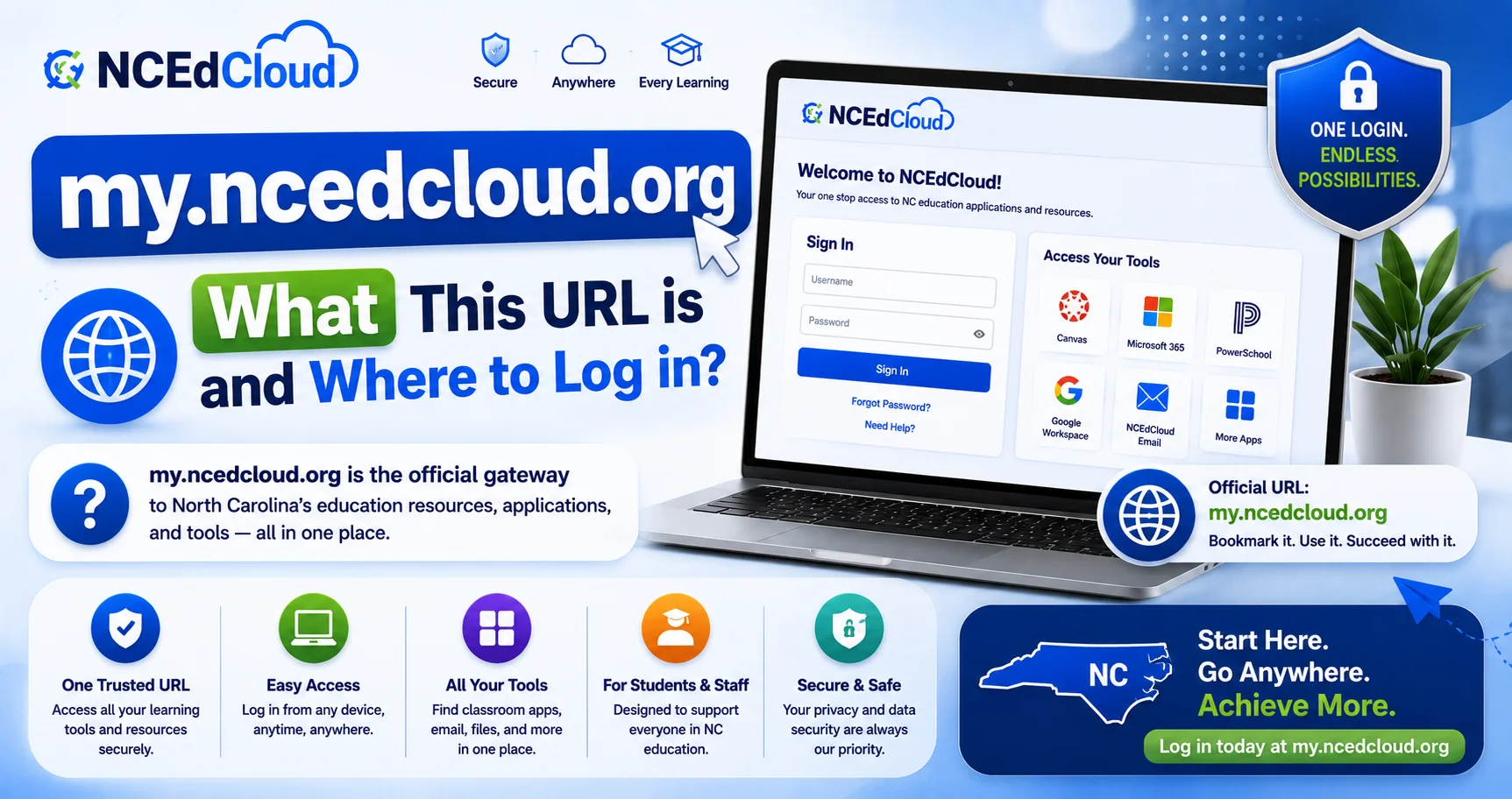
my.ncedcloud.org is the official login URL for NCEdCloud, the statewide identity and single sign-on platform used by North Carolina public school students, teachers, and staff. This is the address to bookmark and use for daily login. See our full NCEdCloud Login guide for the complete sign-in process across every user type.
NCDPI’s RapidIdentity platform, built by Identity Automation, serves this login page for every North Carolina LEA and charter school. Every student, teacher, staff member, and administrator signs in at this same address, regardless of district.
Why You Might See Other NCEdCloud-Related URLs
Because NCEdCloud has several supporting domains for different purposes, it’s easy to get them confused. Here’s how they differ:
| URL | Purpose | Who Uses It |
| my.ncedcloud.org | The actual login page | Everyone, every day |
| ncedcloud.mcnc.org | MCNC’s public documentation and informational site about the platform | Anyone researching how NCEdCloud works |
| idp.ncedcloud.org | The technical identity provider (IdP) endpoint used behind the scenes during SSO | Applications, not typed by users directly. See our idp.ncedcloud.org guide |
| docs.ncedcloud.org | Official technical documentation for administrators | LEA Administrators and IT staff |
If a district-provided link, bookmark, or shortcut redirects you to a page other than my.ncedcloud.org, it should ultimately land you on this same login form. Districts sometimes use vanity URLs that forward to the standard address.
Learn More About → NCEdCloud SSO Guide
How to Verify You’re on the Real Login Page?
Phishing pages sometimes mimic legitimate login screens to steal credentials. Before entering your username and password, check:
- The address bar reads exactly “my.ncedcloud.org,” not a misspelling, extra characters, or a different top-level domain.
- The connection shows a secure padlock icon in your browser.
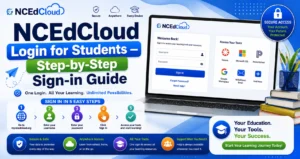
- The page matches the standard NCEdCloud layout: username field, password field, Sign In button, and a “Claim My Account” link.
If anything looks off — an unfamiliar design, a request for information NCEdCloud wouldn’t normally ask for, or a URL that doesn’t match. Close the page and contact your school’s IT department before entering any credentials.
Bookmarking my.ncedcloud.org
Since you’ll use this page daily, bookmarking it saves time:
- Go to my.ncedcloud.org in your browser.
- Click the star or bookmark icon in your browser’s address bar.
- Save it somewhere easy to find, like your bookmarks bar.
Avoid bookmarking a page you reached through a search engine result, or a link in an email. Navigate directly to my.ncedcloud.org and bookmark it there to ensure you’re saving the correct address.
Frequently Asked Questions
Is my.ncedcloud.org the correct login page?
Yes. my.ncedcloud.org is the official, correct login URL for NCEdCloud, used statewide by every North Carolina public school and charter school.
Why did I find a link to ncedcloud.mcnc.org instead?
ncedcloud.mcnc.org is MCNC’s documentation and informational site about the NCEdCloud platform. It’s a legitimate source of background information, but it is not where you log in. For login, always go to my.ncedcloud.org.
What if my school gave me a different login link?
Some districts use a custom or branded shortcut URL. Click through it once and confirm it lands you on the standard my.ncedcloud.org login form. If it takes you somewhere that doesn’t match, contact your school’s IT department.
Is it safe to save my password in my browser for my.ncedcloud.org?
This is a personal security choice, and district policy may address it. If you do save it, make sure your device itself is protected with a screen lock, since anyone with device access could then reach your account without re-entering the password.
Does my.ncedcloud.org work the same for every North Carolina district?
Yes. The login page itself is identical statewide. What differs after you log in is your dashboard. The applications you see are assigned by your specific district and role.
Disclaimer Note: NCEdCloud, RapidIdentity, and Identity Automation are trademarks of their respective owners. NCEdCloudPro.com is not affiliated with or endorsed by NCDPI, NCEdCloud, MCNC, or Identity Automation. Read our full disclaimer.