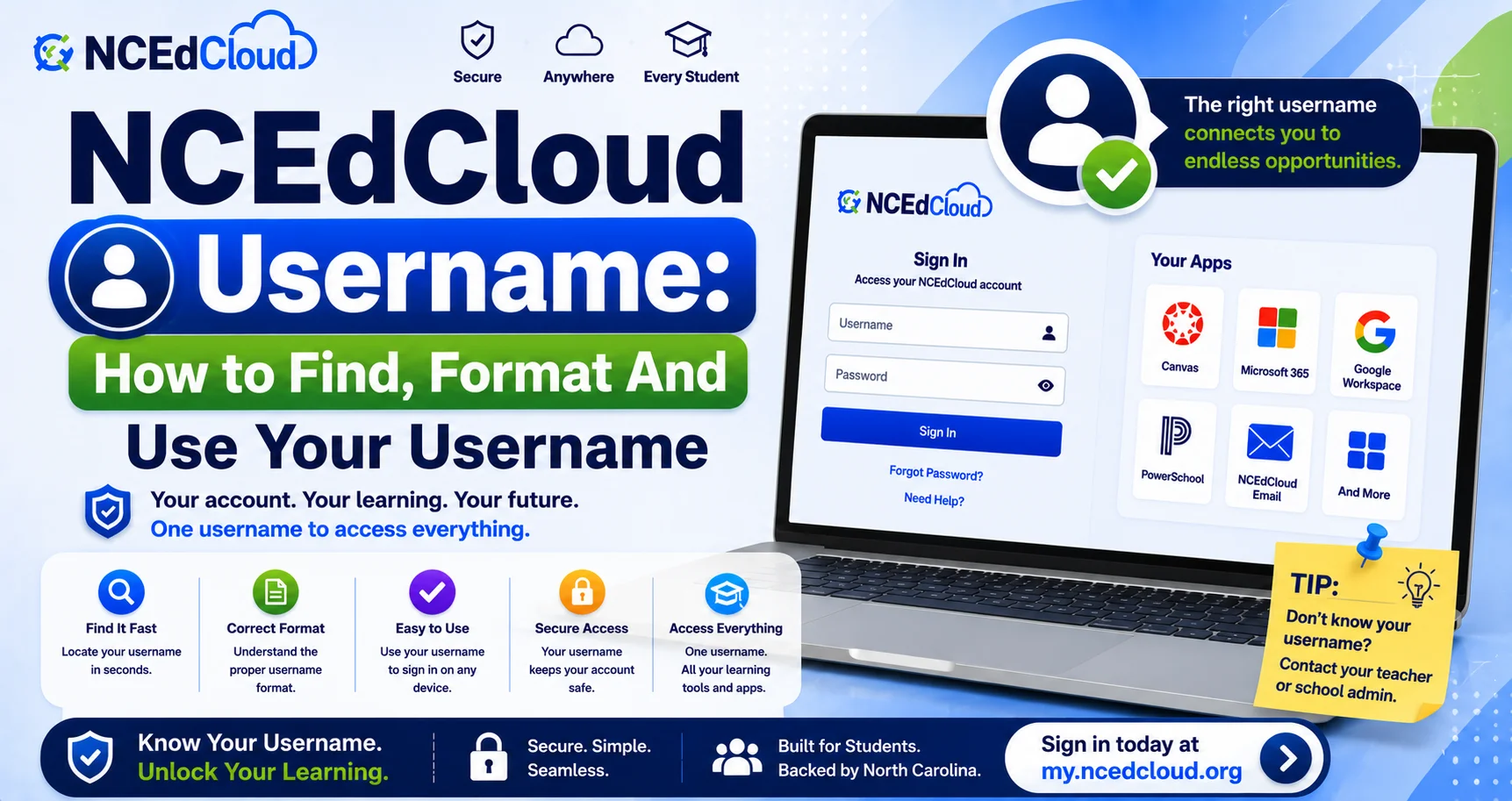
NCEdCloud Username — How to Find, Format, And Use Your Username
What is an NCEdCloud Username?
An NCEdCloud username is the unique identifier assigned to every student, teacher, and staff member in North Carolina’s statewide K-12 identity platform. It is generated automatically by NCDPI’s RapidIdentity platform from source data in PowerSchool (for students) or Home Base (for staff). See our full NCEdCloud Login guide for how the username fits into the overall sign-in process.
For students, the username is typically based on the Username (State UID/Pupil Number) issued by the district. For staff, it’s usually an employee ID or a firstname.lastname format. Your username is not your email address, and it doesn’t change year to year unless your district reassigns it.
Where to Find Your NCEdCloud Username?
| Who You Are | Where to Look |
| Student | Enrollment paperwork, homeroom teacher, or the PowerSchool parent portal |
| Staff | HR onboarding materials, pay stub, or employee badge |
| Parent (if provisioned) | Provided by the school at enrollment or the start of the year |
If you cannot locate your username, contact your school’s front office or IT help desk directly rather than guessing, since repeated failed attempts can temporarily restrict claiming.
Username Format by Role
- Students: typically the NCEdCloud Username (State UID/Pupil Number), sometimes combined with a name-based alias depending on district configuration.
- Staff: commonly an employee ID number, or firstname.lastname in some districts.
- Aliases: some districts configure an Alias ID that works alongside the primary username. See our full Alias ID guide for how that works.
Using Your Username to Log In
Once you’ve claimed your account, go to my.ncedcloud.org, enter your username exactly as provided (case usually doesn’t matter, but spacing does), and enter your password. See our complete NCEdCloud Claim My Account guide if you haven’t completed this step yet.
Common Username Issues
| Issues | Fix |
| Username rejected as “not found” | Double-check for typos, especially leading zeros |
| Forgot username entirely | Contact your school office or IT help desk |
| Username works for login but not for an app | Contact IT to verify attribute mapping |
Learn More About → NCEdCloud SSO
Frequently Asked Questions
Is my NCEdCloud username the same as my school email?
No. Your username is a separate identifier used specifically for NCEdCloud login. Your school email is a different credential, even though some districts use a similar naming pattern for both.
Can I change my NCEdCloud username?
No, not directly. Usernames are generated from source system data. If there’s an error in your name or ID, contact your school office to correct the underlying record, which then syncs to NCEdCloud.
Why does my username look different from a classmate’s?
Username formats are configured per district, and some districts use different formats for different grade levels or account types. This is normal and doesn’t indicate an error.
I’m a new employee. Where do I get my username?
Your HR office or principal provides your employee ID, which typically serves as your username, after your hire record is entered in Home Base. Allow 24 to 48 hours after hiring before attempting to claim your account.
Does my username expire?
No. Your username stays with your account indefinitely unless your district reassigns identifiers. Your password may expire periodically for staff accounts, but the username itself does not.
Disclaimer Note: NCEdCloud, RapidIdentity, and Identity Automation are trademarks of their respective owners. NCEdCloudPro.com is not affiliated with or endorsed by NCDPI, NCEdCloud, MCNC, or Identity Automation. Read our full disclaimer.