NCEdCloud QR Code Login — How the QR Badge System Works for Young Students
What is NCEdCloud QR Code Login?
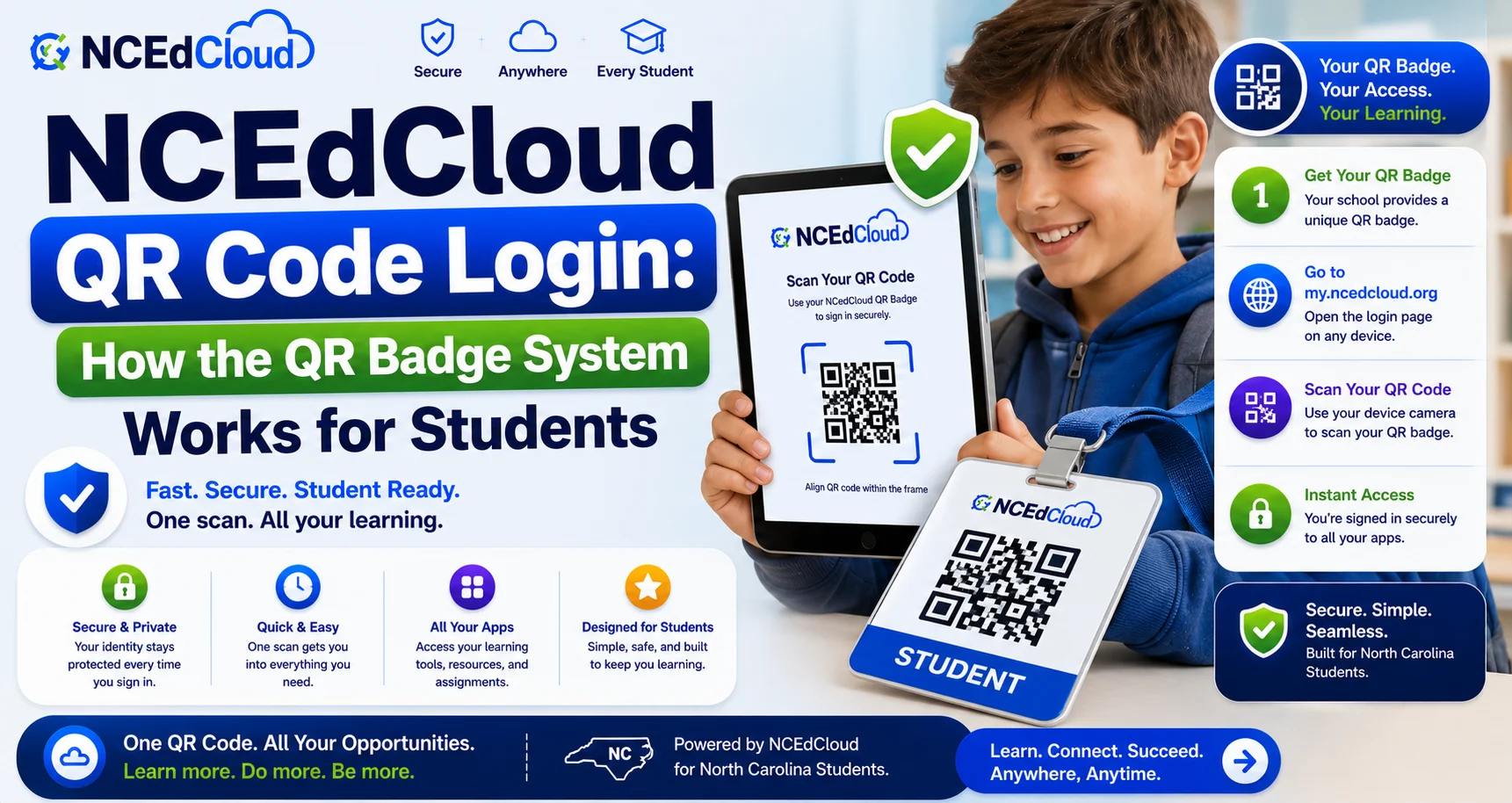
NCEdCloud QR code login is an authentication method that allows young students, primarily in grades PK through 5, to log in to NCEdCloud by scanning a printed QR badge instead of typing a username and password. Students in this age range don’t have the option to self-claim an account under any circumstance. QR badges are the standard access method. See our full PK-5 Login guide for the complete process of how it works.
Note: This is separate from Clever’s own badge login system, which some districts use instead of or alongside NCEdCloud’s QR badges. Check with your teacher if you’re unsure which one your class uses.
How QR Badges Work
Each student receives a printed badge containing a unique QR code tied to their NCEdCloud account. To log in, the student holds the badge up to a device’s camera. NCEdCloud reads the code, verifies the identity, and opens the student’s dashboard, no typing required. Read our guide about NCEdCloud Student Account Claim to learn more.
Complete Guide About → NCEdCloud Claim My Account
Teachers manage badge printing and distribution through the NCEdCloud admin console. Individual students and parents cannot generate or replace badges themselves. Learn more in our guide about how NCEdCloud Login works.
Devices That Support QR Code Login
QR code login requires a device with a working camera that can access my.ncedcloud.org:
- Chromebooks with a functioning camera
- iPads and tablets in a camera-accessible browser
- Desktop computers with an attached webcam
Devices without a camera can’t use this method. Teachers may use an alternative teacher-assisted login for those situations.
If a QR Badge Doesn’t Scan
- Check that the camera has an unobstructed view of the badge.
- Hold the badge steady, roughly 6-12 inches from the camera.
- Confirm the browser has camera permission enabled.
- If it still fails, the badge may be damaged, or the account may need to be reprinted. Ask the teacher to generate a new one from the admin console.
Learn More About → NCEdCloud Not Working
Frequently Asked Questions
What grade levels use QR code login for NCEdCloud?
Primarily PK through grade 5. Starting at grade 6, students become eligible to optionally self-claim a standard username-and-password account instead.
Can a QR badge be used at home?
Yes, if the home device has a working camera and internet access. However, many families find it simpler for a parent to contact the teacher directly for home access help rather than replicating the classroom setup.
What happens if a student loses their QR badge?
Report it to the teacher right away. The teacher can deactivate the lost badge and print a new one from the NCEdCloud admin console.
Do QR badges expire?
Badges don’t have a fixed expiration date, but teachers may reprint them periodically or when a student’s account details change.
Can older students use QR code login instead of typing a password?
Generally no — QR code login is designed specifically for the PK-5 age range where typing credentials isn’t practical. Older students use the standard username-and-password login.
Disclaimer Note: NCEdCloud, RapidIdentity, and Identity Automation are trademarks of their respective owners. NCEdCloudPro.com is not affiliated with or endorsed by NCDPI, NCEdCloud, MCNC, or Identity Automation. Read our full disclaimer.