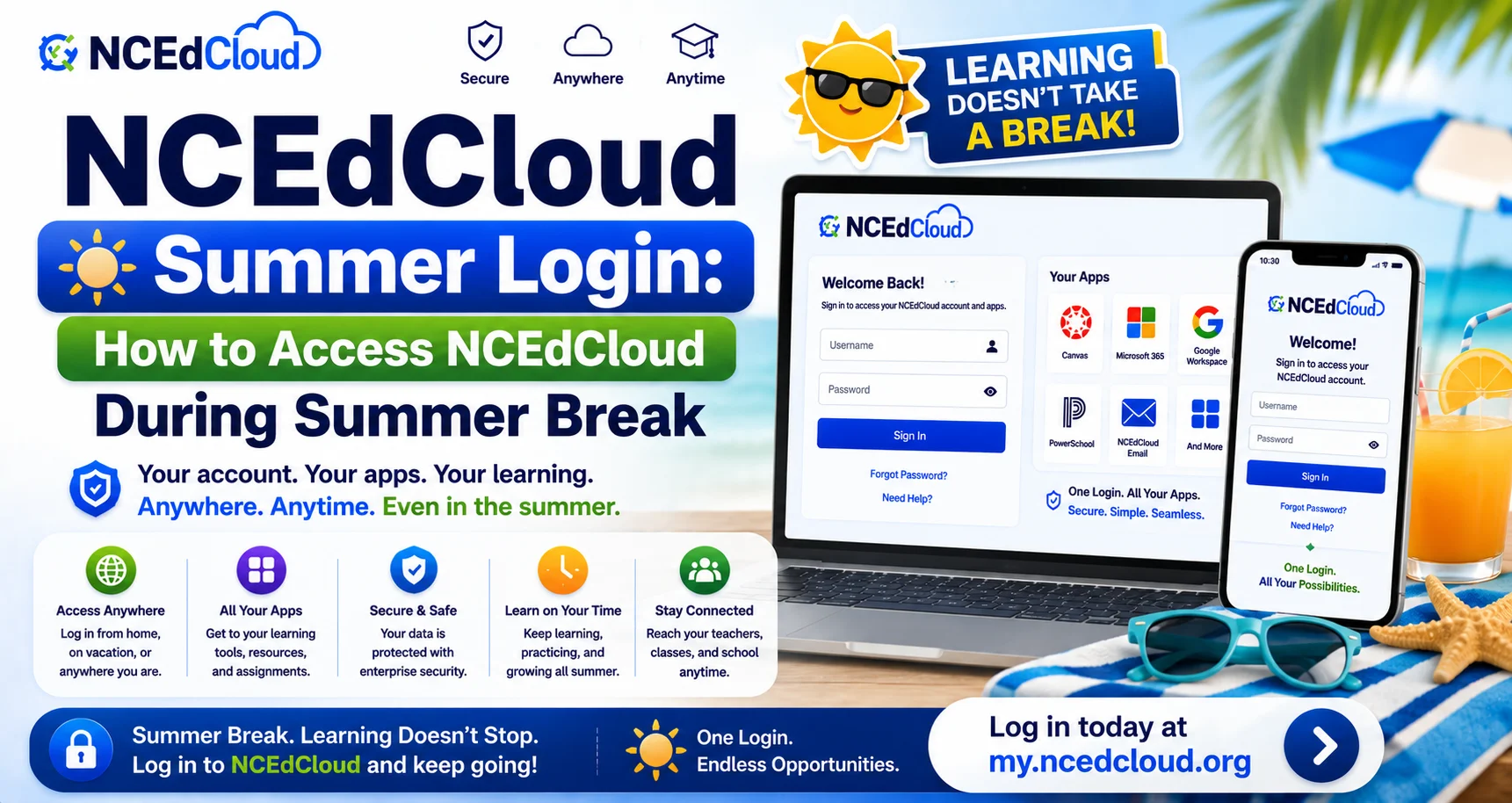
NCEdCloud Summer Login — How to Access NCEdCloud During Summer Break
NCEdCloud Summer Login For Students
NCEdCloud remains technically operational during summer break. The platform at my.ncedcloud.org does not go offline. Whether your specific account allows NCEdCloud summer login depends on your district’s access policies and whether you’re enrolled in a summer program. See our complete NCEdCloud Login Guide for the standard year-round login process.
NCDPI’s RapidIdentity platform doesn’t have a built-in “summer mode”. Access continuity is a district-level decision, not a platform-wide setting.
Student Access During Summer
| Situation | Typical Access |
| Enrolled in a district summer program | Account remains active |
| Not enrolled in summer programming | Access may be suspended until the new year begins |
| Recently graduated | Account is typically deactivated after a grace period |
| Transferring districts over summer | Old district account deactivates; new one activates after enrollment |
Policies vary by LEA. Contact your school office before summer break to confirm what to expect.
Staff Access During Summer
Staff accounts generally remain active year-round, since employment continues regardless of the academic calendar for most roles. As of July 1, 2026, MFA is mandatory statewide for all employee accounts, including during summer. See our full MFA Setup guide for enrollment steps. If you’re on a 10-month contract, confirm with HR whether your account access continues during your off-contract months.
Common Summer Access Issues
| Issue | Likely Cause | Fix |
| Student cannot log in over summer | District suspended non-summer-program accounts | Wait until fall re-enrollment sync |
| Staff password expired during summer | 90-day password cycle continued uninterrupted | Reset via Forgot Password at my.ncedcloud.org |
| Summer program student cannot access assigned app | Provisioning for summer-specific roles | Contact the summer program coordinator |
Learn More About → NCEdCloud Students Login Guide
Frequently Asked Questions
Can students access NCEdCloud during summer break?
It depends on your district’s policy and whether you’re enrolled in a summer program. Some districts keep all accounts active. Others suspend non-program accounts until the fall. Contact your school office for your district’s specific policy.
Do staff NCEdCloud accounts stay active over summer?
Generally yes, since most staff remain employed regardless of the academic calendar. Password expiration cycles continue during summer as well, so you may need to reset a password even during break.
My student’s account was deactivated for summer. What happens in the fall?
Accounts typically reactivate automatically once the new school year’s enrollment sync processes, usually a few days before or after the first day of school. If access doesn’t return within the first week, contact your school office.
Can I still use NCEdCloud MFA during summer if I’m traveling?
Yes. MFA works from any location with your authenticator app or hardware key. If you’re traveling internationally and your phone won’t have a signal, download the authenticator app in advance, since most generate codes offline.
Is summer school access through NCEdCloud different from the regular year?
The login process is identical. What differs is which applications are provisioned, since summer program course assignments may differ from the regular year’s schedule.
Disclaimer Note: NCEdCloud, RapidIdentity, and Identity Automation are trademarks of their respective owners. NCEdCloudPro.com is not affiliated with or endorsed by NCDPI, NCEdCloud, MCNC, or Identity Automation. Read our full disclaimer.