NCEdCloud Disable Account — How to Deactivate User Accounts in NCEdCloud
What Does NCEdCloud Disable Account Do?
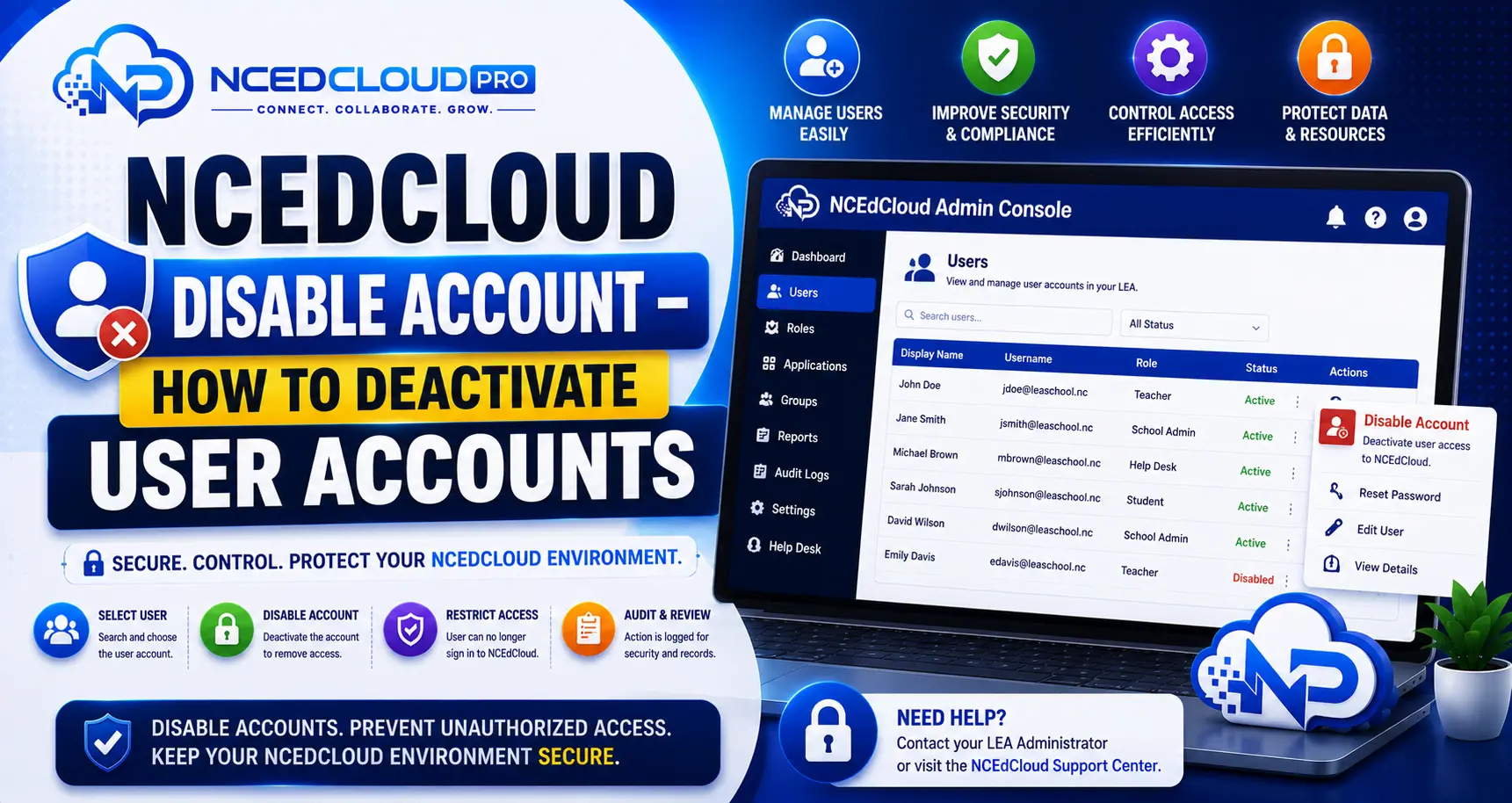
Disabling an NCEdCloud account prevents the user from logging in at my.ncedcloud.org and blocks SSO access to all connected applications. The account is not deleted. All data, role assignments, and account attributes are preserved. RapidIdentity, the platform behind NCEdCloud, allows LEA Administrators to deactivate accounts for any user across the LEA.
This applies across every North Carolina LEA and charter school on NCEdCloud. The most important thing to know is that disabling is reversible. A disabled account can be re-enabled at any time without re-provisioning the user from scratch.
Learn More → NCEdCloud LEA Administrator Role Overview
When to Disable an NCEdCloud Account?
| Situation | Recommended Action |
| Staff member leaves the district | Disable the account on or before the last day |
| Student withdraws or transfers to another district | Disable after enrollment record is updated |
| Account suspected of compromise | Disable immediately pending investigation |
| Temporary leave of absence | Disable for duration of leave, re-enable on return |
| Student graduates | Disable per district end-of-year procedures |
| Role misuse investigation | Disable while reviewing account activity |
Inactive accounts, such as over summer break, do not need to be disabled. Disabling is for accounts that should have no login access for a defined reason.
Learn More → NCEdCloud Request Role Guide
How to Disable a Single Account in NCEdCloud?
- Log in to my.ncedcloud.org with your LEA Administrator credentials.
- Open the admin console and navigate to User Management.
- Search for the user by name or username.
- Open the account profile.
- Locate the account status toggle. It may be labeled “Active/Inactive,” “Enabled/Disabled,” or a similar control.
- Set the status to Disabled or Inactive.
- Save the change. The user cannot log in immediately.
How to Re-Enable a Disabled Account?
- Search for the disabled account in User Management. Ensure your search includes inactive accounts. Some views filter them out by default.
- Open the account profile.
- Set the status back to Active or Enabled.
- The user can log in immediately with their existing credentials.
Learn More → NCEdCloud LEA Help Desk Role Guide
Disable Account vs. Delete Account vs. Revoke Role
| Action | Login Blocked | Data Preserved | Reversible | Use Case |
| Disable account | Yes | Yes | Yes | Temporary or permanent deactivation |
| Revoke role | No | Yes | Yes | Remove elevated permissions only |
| Delete account | Yes | No | No | Permanent removal (rare in K-12) |
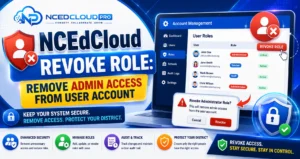
In most K-12 scenarios, disabling is preferred over deleting. Account deletion is rarely performed directly in NCEdCloud because user data in connected applications may reference the NCEdCloud account. For the difference between disabling an account and removing just an elevated permission, see our Revoke Role guide.
Frequently Asked Questions
What happens to a user’s data in connected applications when their NCEdCloud account is disabled?
Deactivating the NCEdCloud account blocks the SSO login path. Data that exists in connected applications like Canvas courses, PowerSchool records, or Google Drive files is managed by those applications independently and is not deleted when the NCEdCloud account is disabled. Data retention is governed by each application’s policy and your district’s records retention procedures.
Can a user reactivate their own disabled NCEdCloud account?
No. A disabled account cannot be used to log in, so the user cannot initiate any self-service action. Only an LEA Administrator can re-enable a disabled account. The user should contact their district IT department.
If a student transfers to another NC district, should their old district deactivate the account?
Yes. Once a student transfers, their old district should deactivate the NCEdCloud account to prevent ongoing access to the previous district’s applications. The new district will provision a new account through its own SIS data.
How long should a disabled account be kept before deletion?
This is governed by your district’s records retention policy and state data governance requirements rather than NCEdCloud settings. Many NC districts retain disabled accounts for the academic year in which the account was active, then review for permanent removal. Consult your district data officer.
Can the LEA Help Desk deactivate accounts, or is that only for LEA Administrators?
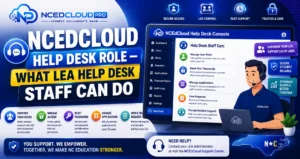
The ability to deactivate accounts may be included in the LEA Help Desk role in some district configurations, but it is typically reserved for LEA Administrators. Check with your LEA Administrator to confirm what account status actions are available under your Help Desk permissions.
Disclaimer Note: NCEdCloud, RapidIdentity, PowerSchool, and Home Base are trademarks of their respective owners. NCEdCloudPro.com is not affiliated with or endorsed by NCDPI, NCEdCloud, MCNC, or Identity Automation. Read our full disclaimer.