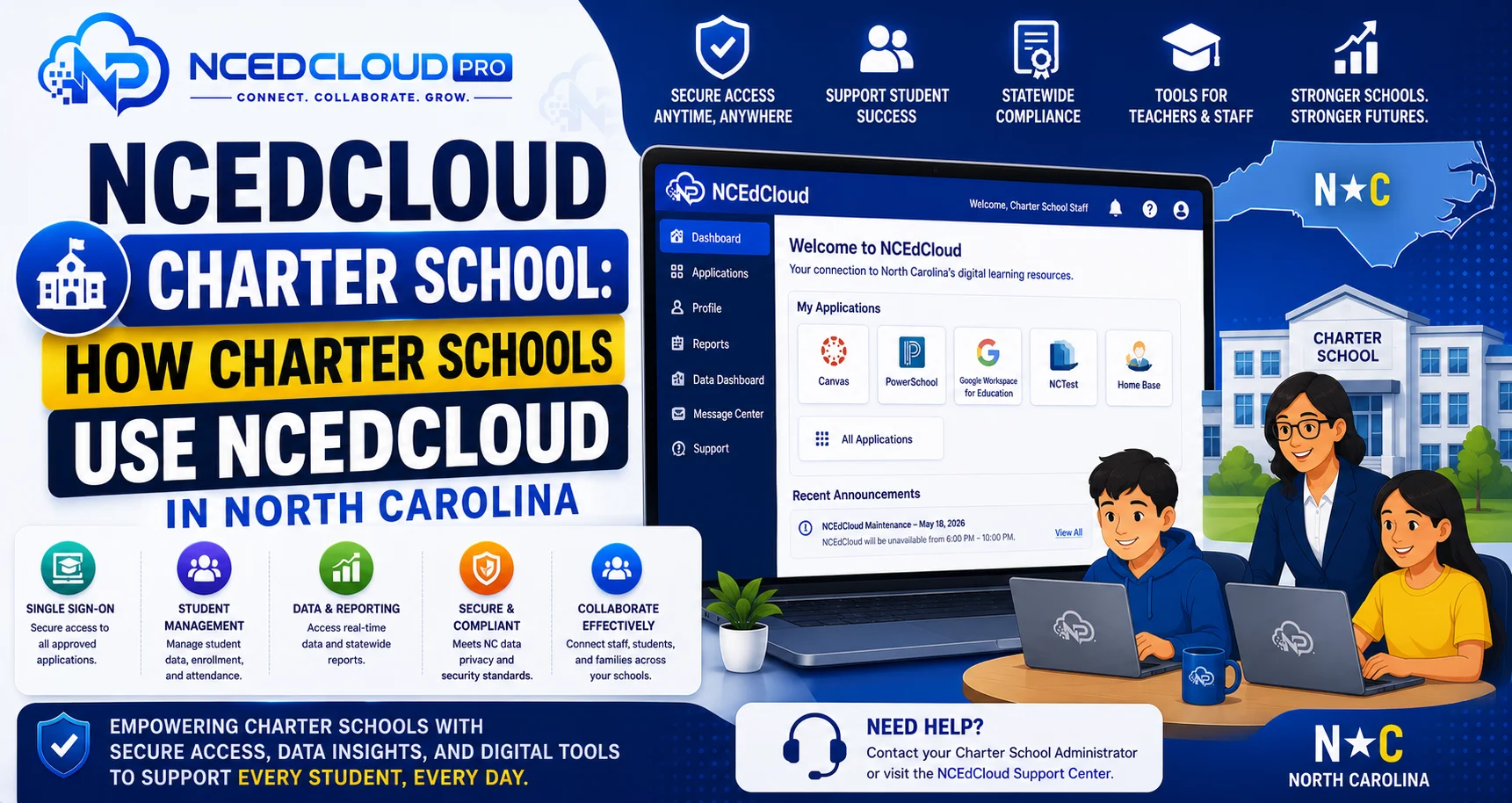
NCEdCloud Charter School — How Charter Schools Use NCEdCloud in North Carolina
Do North Carolina Charter Schools Use NCEdCloud?
North Carolina charter schools that are authorized by the State Board of Education and receive state funding are generally eligible to use NCEdCloud, the state’s identity and access management platform. NCDPI provides NCEdCloud access to public school units (PSUs), which include traditional district schools and state-authorized charter schools. RapidIdentity governs identity management for all participating schools. See our NCEdCloud overview for how the platform works generally.
The most important thing to know is that charter school access and setup vary. Some charter schools are fully on NCEdCloud with all integrations, and others may be partially onboarded or use a different identity platform depending on their enrollment size and IT resources.
Learn More → NCEdCloud LEA Administrator Role Overview
How Charter Schools Differ From LEA District Schools in NCEdCloud?
| Feature | LEA District School | Charter School |
| Code assignment | Traditional district LEA code | Separate charter-specific PSU code |
| Data source | PowerSchool or district SIS | Charter’s own SIS or PowerSchool |
| Home Base integration | Full | Varies — some charters use Home Base, some do not |
| NCEdCloud admin structure | LEA Administrators at the district level | Charter-level NCEdCloud administrator |
| Application access | District-negotiated licenses | Charter-negotiated licenses |
| NCDPI support | Standard | Available; charter IT staff may need direct NCDPI contact |
For the full picture of how districts and charter LEAs fit together statewide, see our NCEdCloud Districts guide.
Administrator Setup for a Charter School on NCEdCloud
Charter schools participating in NCEdCloud need at least one staff member with the LEA Administrator role to manage accounts and provisioning. For small charter schools, this is often the principal, office manager, or technology director. The setup process mirrors the LEA setup for traditional schools:
- The charter school receives its PSU code from NCDPI.
- The charter identifies a designated NCEdCloud administrator.
- NCDPI provisions the administrator account.
- The administrator completes NCEdCloud administrator training.
- The administrator configures data source connections, provisioning rules, and application integrations.
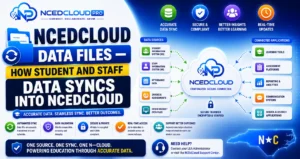
- Student and staff accounts are provisioned via data sync from the charter’s SIS.
For the full breakdown of what that role can do day-to-day, see our LEA Administrator guide.
Charter Schools and Home Base
Charter schools are not always connected to Home Base the same way traditional LEA schools are. Some charter schools submit staff data to Home Base for educator licensure tracking. Others manage credentials separately. If your charter school does not use Home Base for staff data, your NCEdCloud staff accounts may need manual provisioning or a direct SIS data feed rather than the Home Base pipeline that traditional schools use.
Learn More → NCEdCloud Data Files and Sync Guide
Contact NCDPI for NCEdCloud Charter School Support
Charter schools that need help setting up or managing NCEdCloud should contact NCDPI directly through the NCEdCloud support channel. Unlike large LEA districts with dedicated IT departments, many charter schools rely on NCDPI support staff for technical guidance.
Small charter school administrators can also reference NCDPI’s online documentation portal at docs.ncedcloud.org for step-by-step admin guidance.
Frequently Asked Questions
Does every North Carolina charter school use NCEdCloud?
Not necessarily. Participation depends on state authorization status and whether the charter has completed the onboarding process with NCDPI. Contact NCDPI’s K-12 technology support team to verify your charter school’s NCEdCloud participation status.
What is a charter school’s LEA code in NCEdCloud?
Charter schools are assigned a PSU code by NCDPI that functions like an LEA code and is used to identify the school in NCEdCloud and in statewide data reporting. Because these codes are maintained directly by NCDPI, confirm your charter’s exact code through NCDPI’s Education Directory rather than a third-party list.
Can a charter school use its own SSO platform instead of NCEdCloud?
Yes, with NCDPI approval. Some larger charter networks use their own identity platforms and connect specific NCDPI systems through federation. However, access to NCDPI-operated applications typically requires NCEdCloud integration. Discuss your SSO architecture with NCDPI before committing to an alternative platform.
Our charter school just opened. How do we get started with NCEdCloud?
Contact NCDPI’s K-12 technology team through the NCEdCloud support portal. They will assign your PSU code, walk you through the administrator provisioning process, and help you connect your student information system to the NCEdCloud data pipeline.
What applications are available to charter schools through NCEdCloud?
NCDPI-operated applications are available to participating charter schools the same way they are available to LEA schools. Third-party applications like Canvas, PowerSchool, and Google Workspace depend on what your charter has licensed independently. NCEdCloud can integrate any SAML-compatible application your charter licenses.
Disclaimer Note: NCEdCloud, RapidIdentity, and Identity Automation are trademarks of their respective owners. NCEdCloudPro.com is not affiliated with or endorsed by NCDPI, NCEdCloud, MCNC, or Identity Automation. Read our full disclaimer.