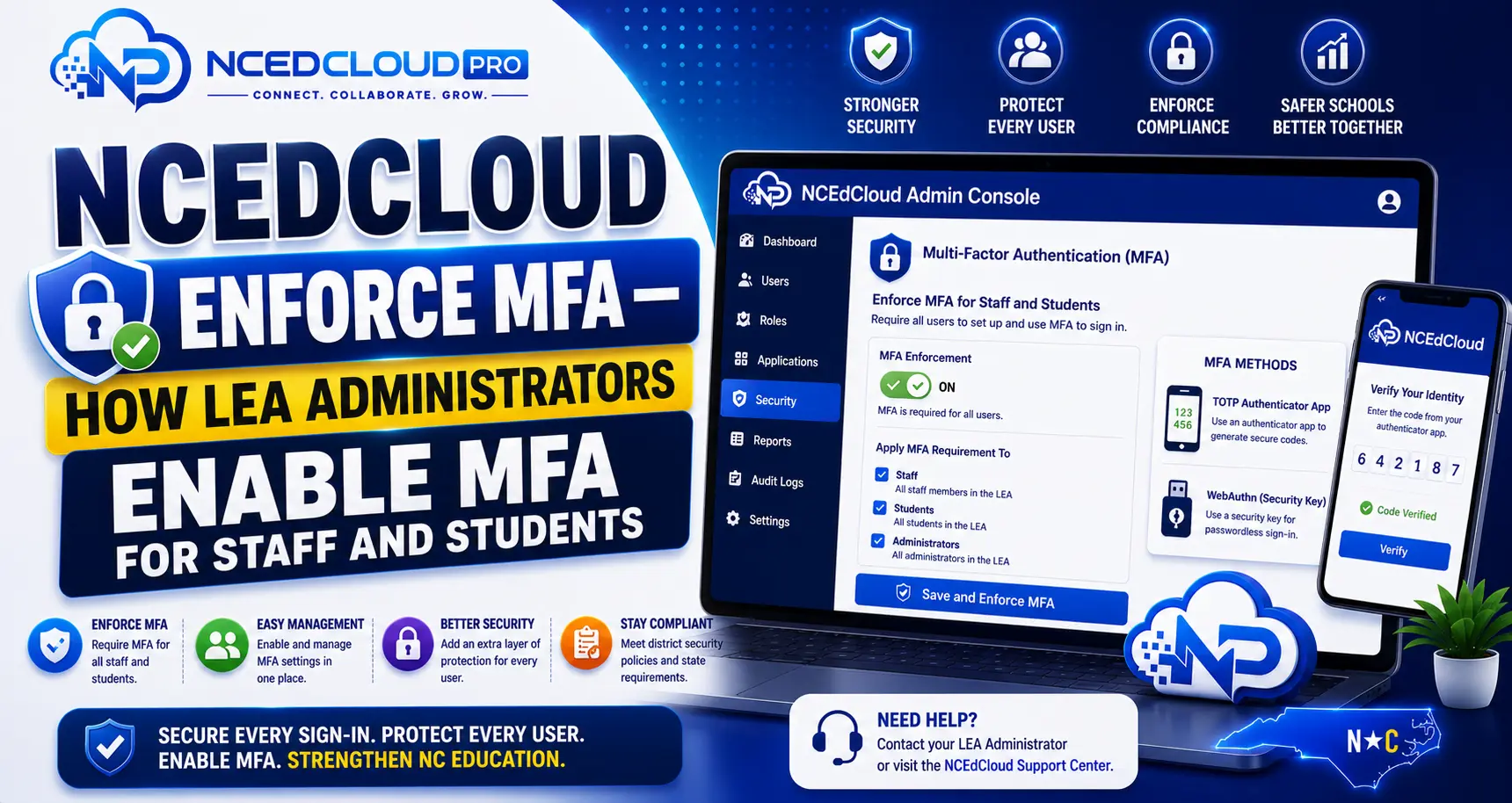
NCEdCloud Enforce MFA — How LEA Administrators Manage MFA for Staff and Students
What Does NCEdCloud Enforce MFA Mean?
As of July 1, 2026, Multi-Factor Authentication (MFA) is mandatory statewide for every NCEdCloud employee. It is no longer an optional, LEA-by-LEA setting. It has been mandatory for privileged roles like LEA Administrator, LEA Help Desk, and School Help Desk since 2019.
Because of the mandate, an LEA Administrator’s role in MFA has shifted: rather than deciding whether to require it, LEA Administrators are now primarily responsible for helping staff enroll, applying enrollment ahead of the mandate for specific accounts or school codes where useful, and managing exemptions for accounts that genuinely cannot complete MFA.
LEA Administrators also manage several other Requests workflows beyond MFA and application integration, including Amplify Icons for grades 5-6, Studio Rostering, and opting individual students out of QR badge login. To learn more in detail, read our NCEdCloud LEA Administrator guide.
How to Apply MFA Enrollment for a Specific User Group?
LEA Administrators can still push enrollment requirements to specific accounts or school codes ahead of a broader rollout, or to catch staff who haven’t yet enrolled under the statewide mandate.
- Log in to my.ncedcloud.org with your LEA Administrator credentials.
- Navigate to the RapidIdentity admin console.
- Open the Authentication or Security Policies section.
- Locate the MFA settings, typically configured by user group or role.
- Select the target group (for example, all staff who haven’t yet enrolled, or a specific school code).
- Set the enrollment deadline for that group.
- Configure the grace period, if available, for how many logins a user can complete before being hard-blocked.
- Save the configuration.
After this is active, users who are not enrolled will see an MFA enrollment prompt the next time they log in.
Learn More → Complete Troubleshooting Guide
MFA Status by User Group (Statewide Mandate)
| User Group | Status |
| LEA Administrators | Mandatory since 2019 |
| LEA Help Desk | Mandatory since 2019 |
| All staff (teachers, classified) | Mandatory statewide as of July 1, 2026 |
| Students (secondary) | Not part of the statewide mandate; LEA policy decision |
| Students (elementary) | Not part of the statewide mandate; QR badge or password-only is typical |
Officially Supported MFA Methods
NCEdCloud’s own documentation names three apps as officially approved for TOTP: Google Authenticator, the RapidIdentity app, and Authy, with Authy Desktop and the GAuth Chrome extension as the referenced desktop-only options. WebAuthn is also officially supported as a passwordless alternative, including YubiKeys, Face ID/Touch ID, and Windows Hello.
Other standard TOTP apps may generate working codes since TOTP is an open protocol, but they aren’t on NCEdCloud’s official supported list. Check with your district’s IT department before relying on one for a mandatory requirement. See our MFA Setup guide for the full breakdown.
Communicating MFA Enrollment to Staff
For any staff who haven’t yet enrolled under the mandate, send a notice that includes:
- The enrollment deadline
- Which MFA methods are officially supported (Google Authenticator, RapidIdentity app, Authy, or WebAuthn)
- Step-by-step enrollment instructions, or a link to your district’s enrollment guide
- Help desk contact for staff who have trouble enrolling
A two-week notice window is the minimum for any internally set deadline. Four weeks is better. Communication reduces help desk call volume spikes on the deadline day.
Frequently Asked Questions
Is MFA optional for staff in any NC district?
No. As of July 1, 2026, MFA is mandatory statewide for every NCEdCloud employee, not a district-by-district choice. LEA Administrators can still apply enrollment ahead of the mandate for specific groups, but they cannot exempt entire staff populations from the requirement itself.
What happens to a user who is required to enroll in MFA but has not done so?
The system presents an MFA enrollment screen at login rather than completing authentication. The user cannot access the dashboard until they complete enrollment. If they cannot self-enroll, the LEA Administrator can temporarily exempt the account while the user gets support.
Can an LEA Administrator exempt specific users from MFA?
RapidIdentity typically allows documented, per-account exemptions for accounts that genuinely cannot complete MFA. For example, service accounts or integrations, or staff with specific accessibility needs. Exemptions should be documented and reviewed periodically; they aren’t intended as a way to opt out of the statewide requirement generally.
Does MFA enforcement in NCEdCloud affect application-level MFA?
NCEdCloud MFA applies to the NCEdCloud login step. Some connected applications have their own MFA settings. Passing MFA at NCEdCloud does not automatically satisfy application-level MFA requirements in those apps. Contact the individual application’s administrator if you need to align MFA policies.
Our district had a cyber incident and needs help with MFA enrollment urgently. Who do we contact?
Contact your NCDPI regional support representative and your Identity Automation support contact. Both can assist with expedited enrollment support. Review your current user group settings first to avoid accidentally blocking large numbers of users who haven’t yet enrolled.
Disclaimer Note: NCEdCloud, RapidIdentity, PowerSchool, and Home Base are trademarks of their respective owners. NCEdCloudPro.com is not affiliated with or endorsed by NCDPI, NCEdCloud, MCNC, or Identity Automation. Read our full disclaimer.