NCEdCloud LEA Help Desk Role — What LEA Help Desk Staff Can Do in NCEdCloud
What is the NCEdCloud LEA Help Desk Role?
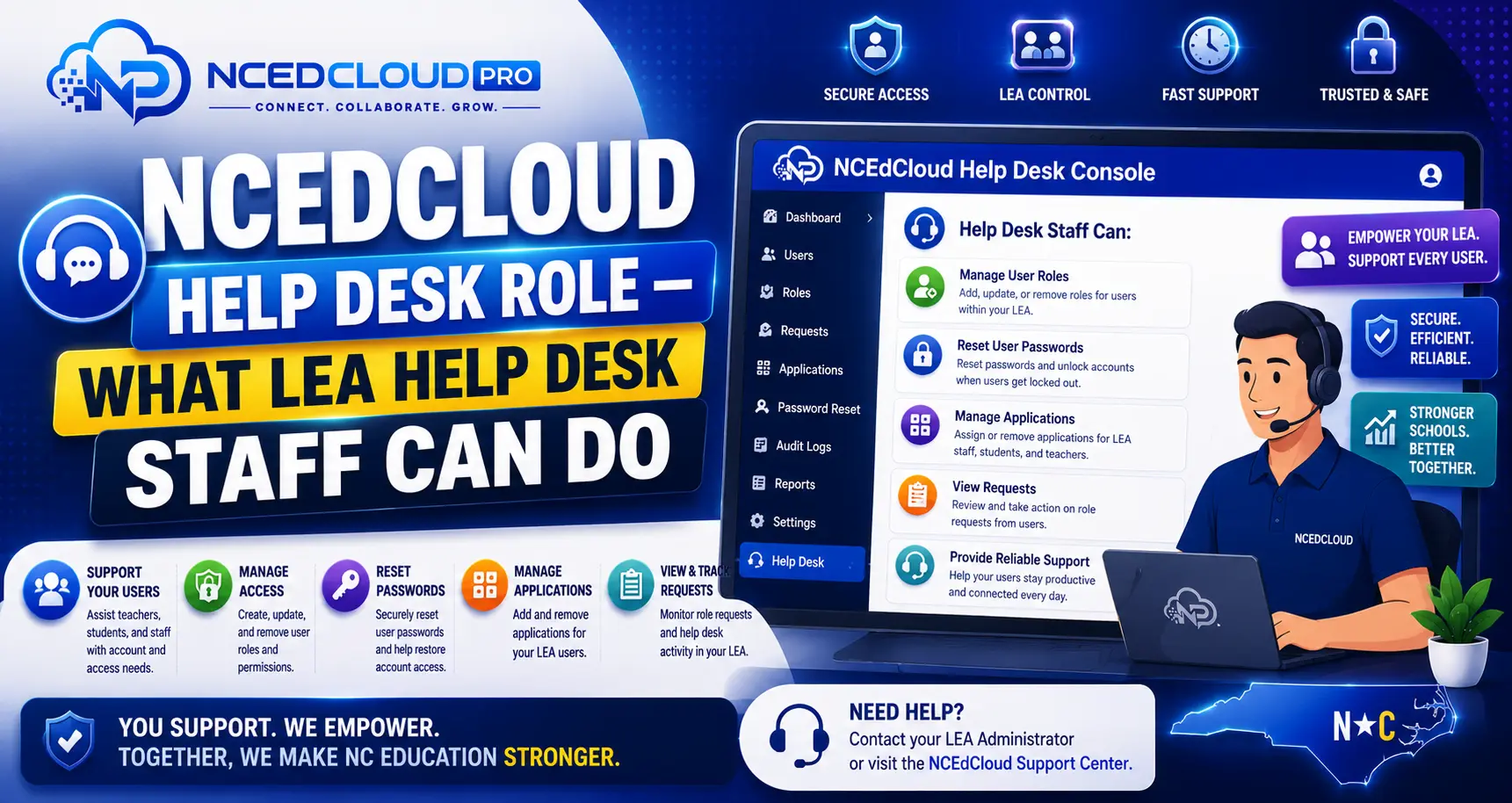
The NCEdCloud LEA Help Desk role is an administrative permission level that allows district-level technology support staff to manage user accounts across their LEA, including resetting passwords, unlocking accounts, and assisting with account claiming, without having full LEA Administrator access. RapidIdentity, the platform behind NCEdCloud, includes this role as part of a tiered permission model used statewide.
The LEA Help Desk role is distinct from the School Help Desk role, which is scoped to a single school. The most important thing to know is that the LEA Help Desk role does not allow modifying system configuration, provisioning rules, or role assignments. Those actions require the LEA Administrator role. For the complete information on every admin role, see our LEA Administrator guide.
What Can the LEA Help Desk Role Do?
| Action | LEA Help Desk | School Help Desk |
| Reset student passwords | Yes — all schools in LEA | Yes — own school only |
| Reset staff passwords | Yes — limited | No |
| Unlock locked accounts | Yes | Yes — own school only |
| Look up the account by username or ID | Yes | Yes — own school only |
| View account details | Yes | Yes — own school only |
| Assign admin roles | No | No |
| Modify provisioning rules | No | No |
| Add or remove application tiles | No | No |
| Disable accounts | Yes — limited | No |
Learn More About → NCEdCloud MFA Enforce Guide
How to Access the Help Desk Console in NCEdCloud?
- Log in to my.ncedcloud.org with your LEA Help Desk credentials.
- On your dashboard, locate the admin management tile. It may be labeled “User Management,” “Admin Console,” or “RapidIdentity Admin.”
- Click the tile to open the admin interface.
- Use the search tools to find the user account you need to assist.
- Select the appropriate action: reset password, unlock account, or view account details.
The exact interface varies slightly by district configuration, but the core search and user management tools are consistent.
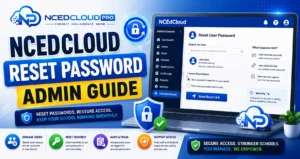
Learn More → NCEdCloud Password Reset Admin Guide
Common Help Desk Workflows
Resetting a student’s password:
- Search for the student by name or student ID.
- Open the account profile.
- Select Reset Password.
- Set a temporary password or generate one.
- Enable “Must change at next login” if available.
- Communicate the temporary password to the student through a secure method.
Unlocking a locked account:
- Search for the user.
- Open the account profile.
- Select “Unlock Account” or clear the lock flag.
- The user can log in immediately.
Getting the LEA Help Desk Role
An LEA Administrator assigns the LEA Help Desk role. If you need this role for your job and do not have it, submit a role request through NCEdCloud’s Requests module or ask your LEA Administrator directly. Role requests require LEA Administrator approval before access is granted. See our Approve Role Admin guide for how that review works.
Learn More → NCEdCloud Request Role Guide
Frequently Asked Questions
What is the difference between the LEA Help Desk and School Help Desk roles in NCEdCloud?
The LEA Help Desk role covers all schools in the district. The School Help Desk role is limited to the specific school to which the staff member is assigned. LEA Help Desk staff can assist any student or staff member in the LEA. School Help Desk staff can only assist users at their school. See our School Help Desk guide for that role’s full scope.
Can an LEA Help Desk user reset another administrator’s password?
LEA Help Desk users have limited ability to reset staff passwords and generally cannot reset passwords for accounts with the same or higher permission level. Full administrator password resets are typically reserved for the LEA Administrator role. Check your district’s specific configuration with your LEA Administrator.
How does a new employee get the LEA Help Desk role in NCEdCloud?
The role is requested through the NCEdCloud Requests module and approved by an LEA Administrator. The requester submits a role request identifying the desired role and justification. Once approved, the role is active on the account immediately.
Can LEA Help Desk staff see student personal information through the NCEdCloud admin console?
The admin console shows account information such as username, assigned school, and role. Access to broader student personal data is governed by your district’s data governance policies and FERPA, not by NCEdCloud’s permission model alone. Consult your LEA data officer regarding the appropriate use of student account data.
Do substitute help desk staff need a separate NCEdCloud account?
Substitutes or temporary help desk staff need their own NCEdCloud account with the appropriate role assigned. Sharing credentials is not permitted and violates the account security policy. Contact your LEA Administrator to provision a temporary account if needed.
Disclaimer Note: NCEdCloud, RapidIdentity, and Identity Automation are trademarks of their respective owners. NCEdCloudPro.com is not affiliated with or endorsed by NCDPI, NCEdCloud, MCNC, or Identity Automation. Read our full disclaimer.