NCEdCloud LEA Data Auditor Role — What the Data Auditor Can Access
What is the NCEdCloud LEA Data Auditor Role?
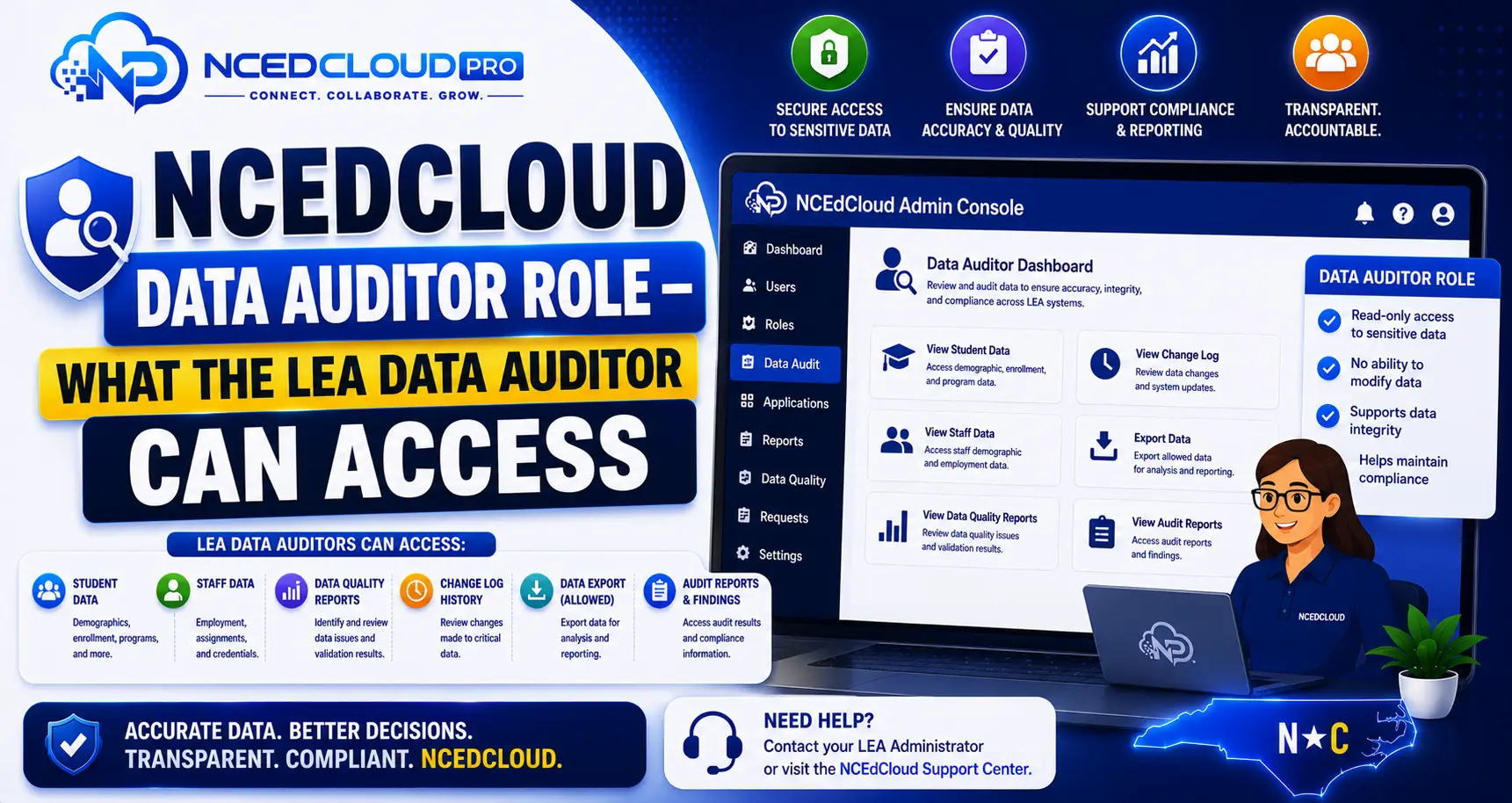
The NCEdCloud LEA Data Auditor role is a read-only administrative permission level that gives district staff visibility into account data, provisioning status, and user attribute information across the LEA without the ability to modify any records.
RapidIdentity, the platform behind NCEdCloud, includes this role to support data governance, audit functions, and compliance review in NC school districts. For how this fits into the broader admin role structure, see our LEA Administrator guide.
This role is typically assigned to data compliance officers, FERPA coordinators, or district staff responsible for verifying the accuracy of student and staff account data. The most important thing to know is that the Data Auditor role cannot make any changes. It is strictly view access, making it one of the safest roles to assign to non-technical staff who need data visibility.
What Can the NCEdCloud LEA Data Auditor Do?
| Action | Data Auditor |
| View user account details (name, username, role, school) | Yes |
| View provisioning rule configurations | Yes |
| View application assignment lists | Yes |
| View role assignments across the LEA | Yes |
| Reset passwords | No |
| Unlock accounts | No |
| Assign or revoke roles | No |
| Modify provisioning rules | No |
| Approve role requests | No |
| Export data directly from NCEdCloud | Varies by district configuration |
For More Information → NCEdCloud LEA Help Desk Role Guide
Common Use Cases for the Data Auditor Role
District data staff use the NCEdCloud LEA Data Auditor role for:
- Verifying that student accounts are correctly provisioned before a state assessment
- Confirming that staff who left the district have been deprovisioned
- Auditing application access lists to ensure only current students and staff have active tiles
- Cross-referencing NCEdCloud account data with SIS records to identify sync discrepancies
- Responding to records requests under FERPA by confirming account status without modifying data
Learn More → NCEdCloud Request Role Guide
How the Data Auditor Role Differs From Admin Roles?
| Role | Can View Data | Can Modify Data | Scope |
| LEA Data Auditor | Yes | No | All schools in LEA |
| LEA Help Desk | Yes | Yes (limited) | All schools in LEA |
| School Help Desk | Yes | Yes (students, own school) | One school |
| LEA Administrator | Yes | Yes (full) | All schools in LEA |
The Data Auditor role is appropriate for staff who need information access but should not be able to make account changes. Separating read access from write access reduces the risk of accidental modifications.
Learn More → NCEdCloud Approve Role Guide
How to Get the NCEdCloud LEA Data Auditor Role?
The role is assigned through NCEdCloud’s standard role request process:
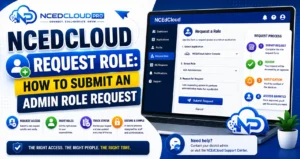
- The staff member submits a role request in the Requests module.
- The request specifies the LEA Data Auditor role.
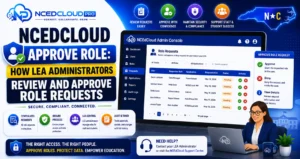
- The LEA Administrator reviews the request and approves or denies it. See our Approve Role guide for how that review works.
- If approved, the role is active on the staff member’s account immediately.
Learn More → NCEdCloud Revoke Role Guide
Frequently Asked Questions
Can an LEA Data Auditor see student passwords or authentication history?
No. The Data Auditor role provides visibility into account metadata — username, role, school assignment, application access — but not passwords (which are hashed and not visible to anyone) or detailed authentication logs. Authentication log access, if available, requires LEA Administrator access.
Is the Data Auditor role the same as a read-only LEA Administrator?
It is similar in that both can view data across the LEA, but the Data Auditor role is purpose-built for audit and compliance functions and has a narrower scope than a full LEA Administrator, which includes all the Data Auditor’s view access plus full write and configuration permissions.
Can the Data Auditor role run reports from NCEdCloud?
Report capabilities depend on how your district has configured NCEdCloud. The Data Auditor role supports viewing data in the admin console. Contact your LEA Administrator to clarify what is available in your specific configuration.
How many LEA Data Auditors can a district have?
There is no system-enforced limit. Districts should follow the principle of least privilege — assign the role only to staff who have a specific, documented need for LEA-wide account data visibility.
Does the Data Auditor role expire?
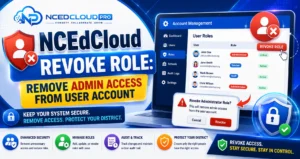
Role assignments in NCEdCloud do not automatically expire. Districts should review role assignments periodically and revoke roles from staff who no longer need them or who have changed positions. See our Revoke Role guide for that process.
Disclaimer Note: NCEdCloud, RapidIdentity, and Identity Automation are trademarks of their respective owners. NCEdCloudPro.com is not affiliated with or endorsed by NCDPI, NCEdCloud, MCNC, or Identity Automation. Read our full disclaimer.