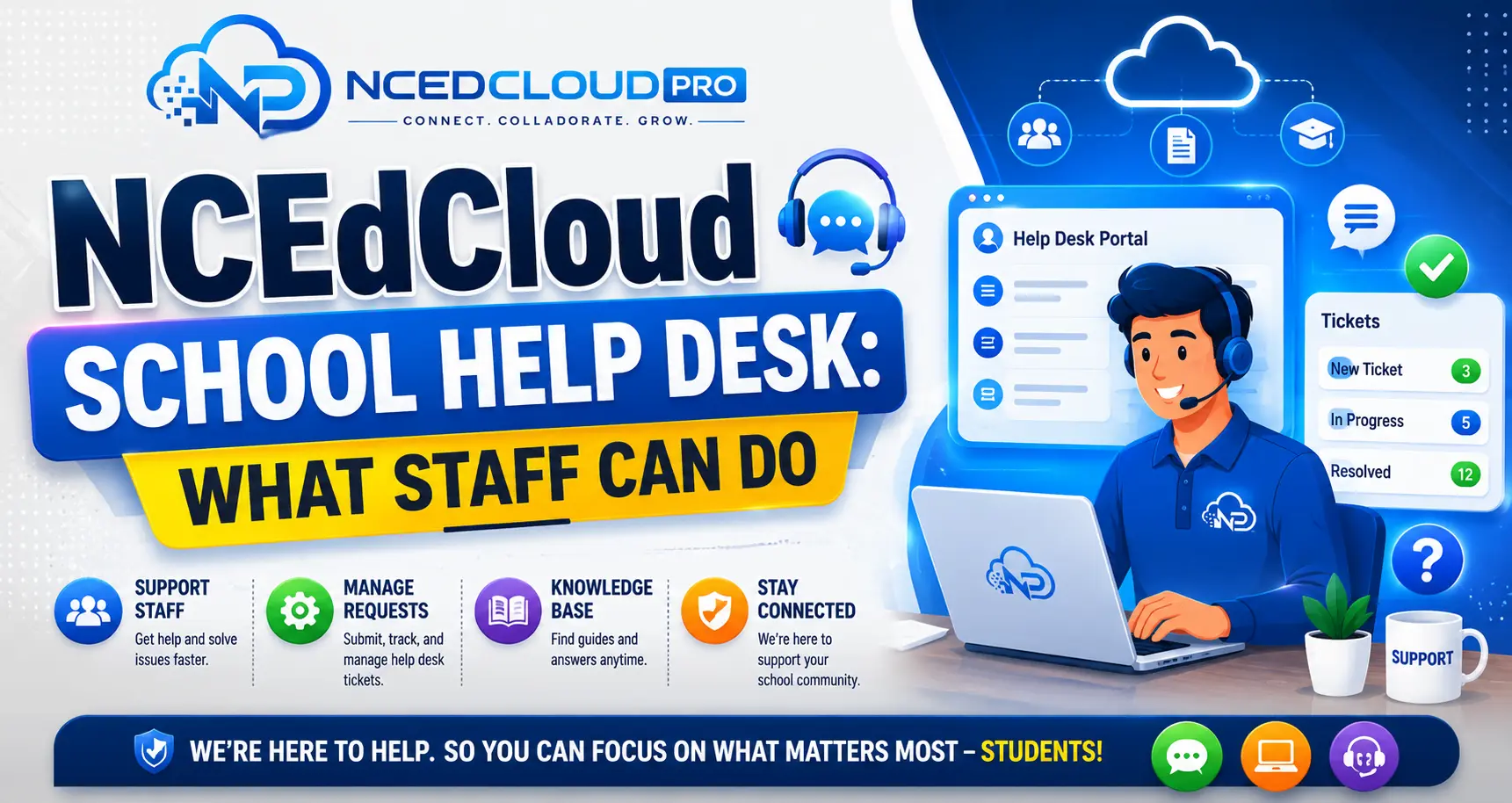
NCEdCloud School Help Desk — What School-Level Support Staff Can Do
What is the NCEdCloud School Help Desk Role?
The NCEdCloud School Help Desk role is a permission level assigned to school-level technology support staff, media specialists, technology facilitators, and front office designees, allowing them to assist students and staff at their specific school with account management tasks. RapidIdentity, the platform behind NCEdCloud, includes this role in all NC district configurations.
Unlike the LEA Help Desk role, the School Help Desk role is scoped strictly to one school. The account holder cannot view or modify accounts at other schools in the district. The most important thing to know is that this role is designed for the first line of support at the school building level, handling the most common daily requests: forgotten passwords and locked accounts. For the complete role hierarchy, see our LEA Administrator guide.
What Can the NCEdCloud School Help Desk Role Do?
| Action | Can Do | Scope |
| Reset student passwords | Yes | Own school students only |
| Unlock locked student accounts | Yes | Own school students only |
| View student account details | Yes | Own school students only |
| Reset staff passwords | No | N/A |
| Assign or modify roles | No | N/A |
| Access other schools’ accounts | No | N/A |
| Modify application provisioning | No | N/A |
| Approve role requests | No | N/A |
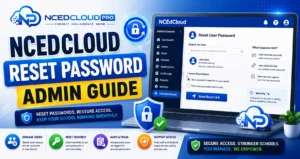
How to Reset a Password as a School Help Desk User?
- Log in to my.ncedcloud.org with your School Help Desk credentials.
- Open the user management section from your dashboard tile.
- Search for the student by name or student ID number.
- Open the student’s account profile.
- Select “Reset Password.”
- Enter a temporary password or generate one. Enable “Must change at next login” if available.
- Save the change and communicate the temporary password to the student in person or through a secure channel.
For the full comparison of admin-console vs self-service resets, see our Password Reset Admin guide.
How is the NCEdCloud School Help Desk Role Assigned?
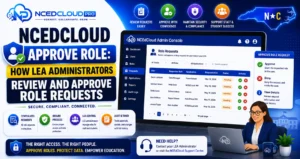
Only an LEA Administrator can assign the School Help Desk role to a staff member. The process follows the standard NCEdCloud role request workflow:
- The staff member submits a role request through the NCEdCloud Requests module.
- The request specifies the School Help Desk role and the school it applies to.
- The LEA Administrator reviews and approves the request.
- The role becomes active on the staff member’s account.
If a school does not currently have a designated person with this role, the LEA Help Desk or LEA Administrator handles school-level support requests instead.
School Help Desk vs. LEA Help Desk at a Glance
| Feature | School Help Desk | LEA Help Desk |
| Scope | One school | All schools in LEA |
| Student password resets | Yes | Yes |
| Staff password resets | No | Yes (limited) |
| Who assigns the role | LEA Administrator | LEA Administrator |
| Typical holder | Media specialist, tech facilitator | District IT staff |
Frequently Asked Questions
Can an NCEdCloud School Help Desk user see accounts from other schools in the district?
No. The School Help Desk role is scoped to a single school. Accounts from other schools are not accessible, and no search results from other schools will appear. This scoping is a deliberate privacy protection.
What if a student transferred from another school, and I need to reset their password?
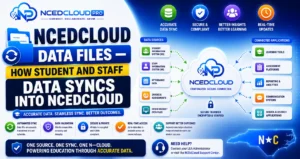
Once a student’s school assignment updates in the SIS and syncs to NCEdCloud, the student appears in your school’s scope. If the transfer has not yet been processed, the student still falls under their previous school’s scope. In that case, the LEA Help Desk can assist while the transfer completes.
Can a teacher be given the School Help Desk role in NCEdCloud?
Yes. The role is assigned based on job function need, not necessarily job title. If a teacher serves as the technology liaison for their classroom or grade team, an LEA Administrator can grant them the School Help Desk role. This is common in smaller schools with limited dedicated tech staff.
How do I request the School Help Desk role for a new hire?
The new hire should submit a role request through the NCEdCloud Requests module and select the School Help Desk role. The LEA Administrator approves it. Alternatively, the LEA Administrator can assign the role directly from the admin console without going through the request workflow.
Is there a student-specific version of the School Help Desk role?
Yes. NCEdCloud also includes a School Student Help Desk role, which is limited to student account management only within a single school. This is a narrower version of the School Help Desk role used in districts that want to separate student and staff support functions.
Disclaimer Note: NCEdCloud, RapidIdentity, and Identity Automation are trademarks of their respective owners. NCEdCloudPro.com is not affiliated with or endorsed by NCDPI, NCEdCloud, MCNC, or Identity Automation. Read our full disclaimer.